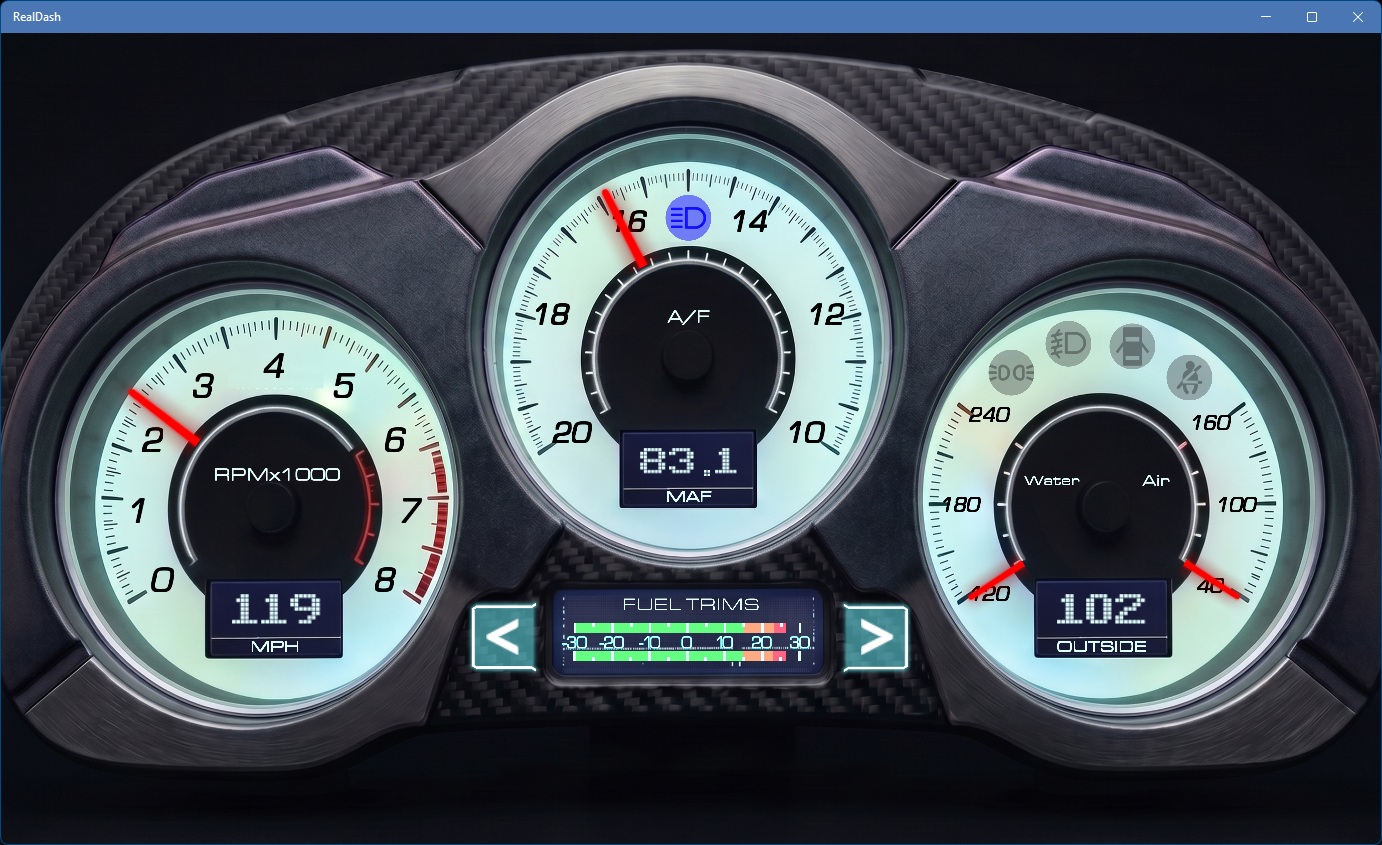
There is a bug with buttons. If you make the image opacity zero (im just using text for the button) then the button no longer works. I have PREV and NEXT buttons using “<” and “>” text on the button. And making the image opacity back to 255, the button works again.
What you’re seeing comes from how buttons currently work: when a button’s image opacity is 0, RealDash treats the whole button as hidden and it stops responding to taps. Dashboards use this to hide buttons by fading them out. The check only looks at the image opacity and not the text, so a text-only button like your < and > counts as hidden even though the text is visible.
We’re looking into making buttons with visible text keep working even when the image opacity is 0.
Until then, here’s a workaround: set the image opacity to 1 instead of 0. At 1 the image is still effectively invisible, but the button keeps working.
About deleting the image: there’s no mask at play here. Removing the image doesn’t reset its opacity setting, and opacity is saved separately for each level and for each dynamic color. So if it was set to 0 in one of those and put back to 255 in another, the button can still count as hidden in some states. Go through each level (and both colors if you use dynamic colors) and make sure the opacity isn’t 0 in any of them.