Hello tell plase how fix this alerts when start app ? Windows 11 only
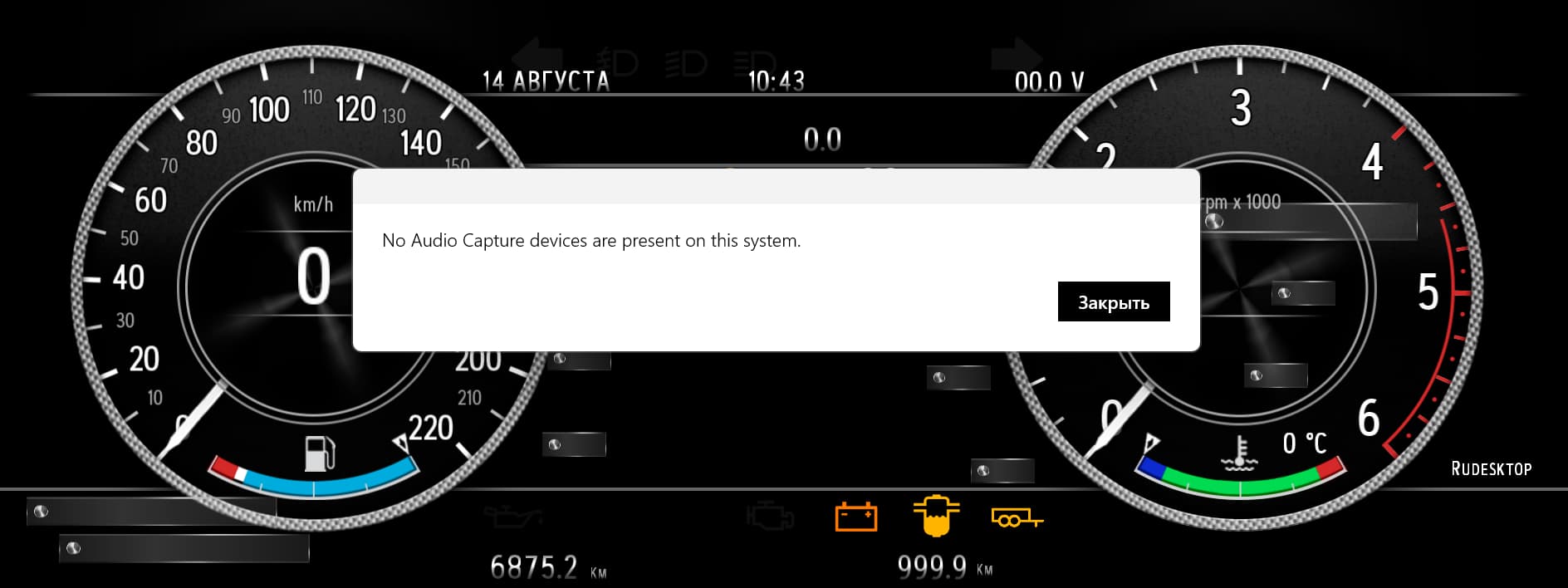
Try to disable Speech Recognition from ‘Settings->Notifications->Use Voice Commands’
Another is when using external cameras, they ask a permission to record audio, and lack of microphone could show that message.
Edit: Did some digging, and yes, this message is shown by Speech Recognition system when its activated and system has no microphone.
1 Like