Hello guys hope every one it’s doing well !!
Just setting up my budget digital dash now with a Lenovo tablet tap one + canable 2.0 via Can bus from Ecu master black !!
Real dash work really good no lag since it’s wired to the can stream - any ways all the gauges are fully Functional - Coolant - boost - lambda - AFR - oil pressure- oil temp - AIT temp - RPM - battery voltage , except one the “ Fuel pressure “
I been trying to get it work for the last week and nothing “
Anybody any ideas or anyone at on the same situation?
Any feedback or lead will be great !!
Thanks 
Ig Drifftpandas
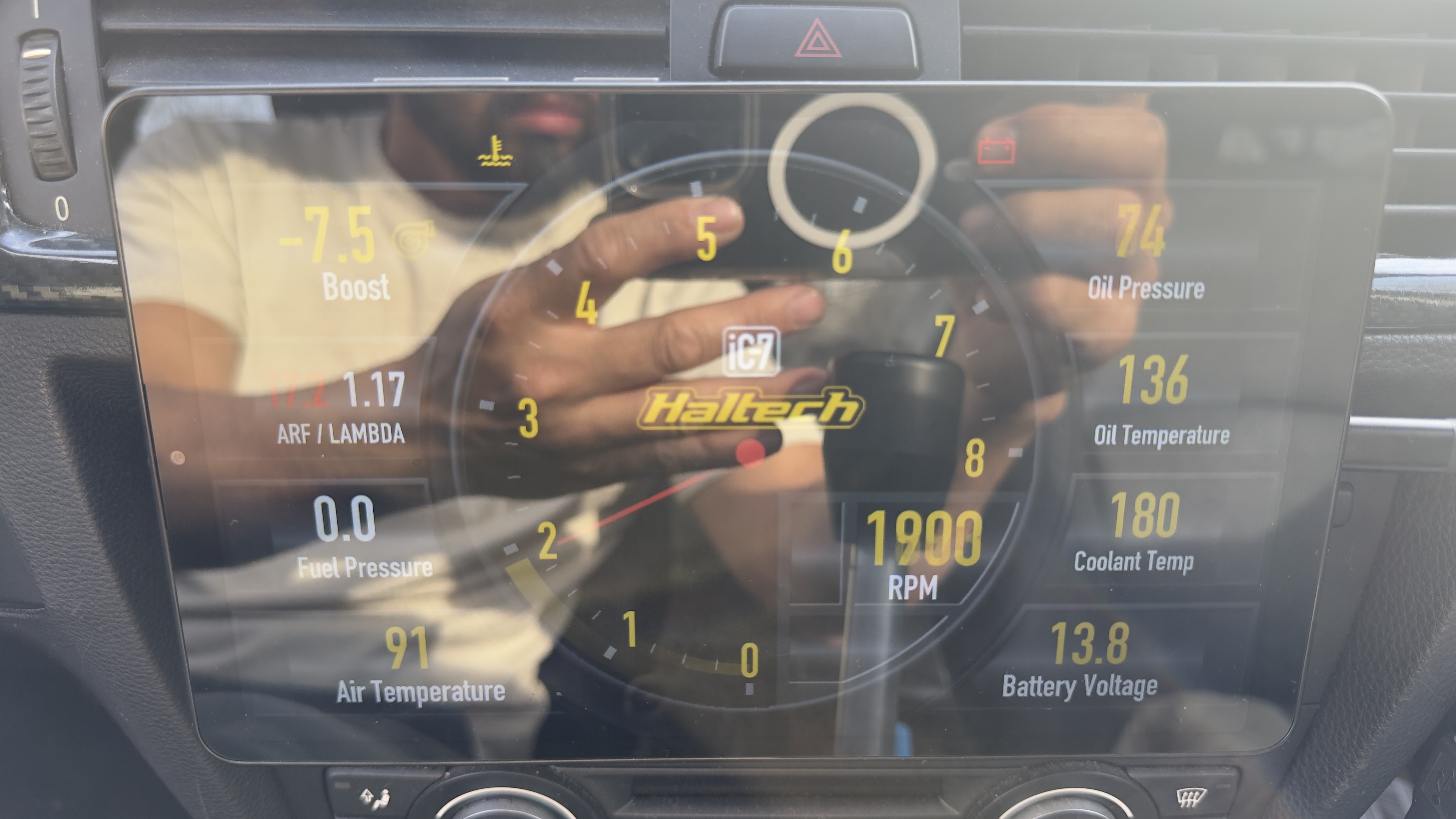
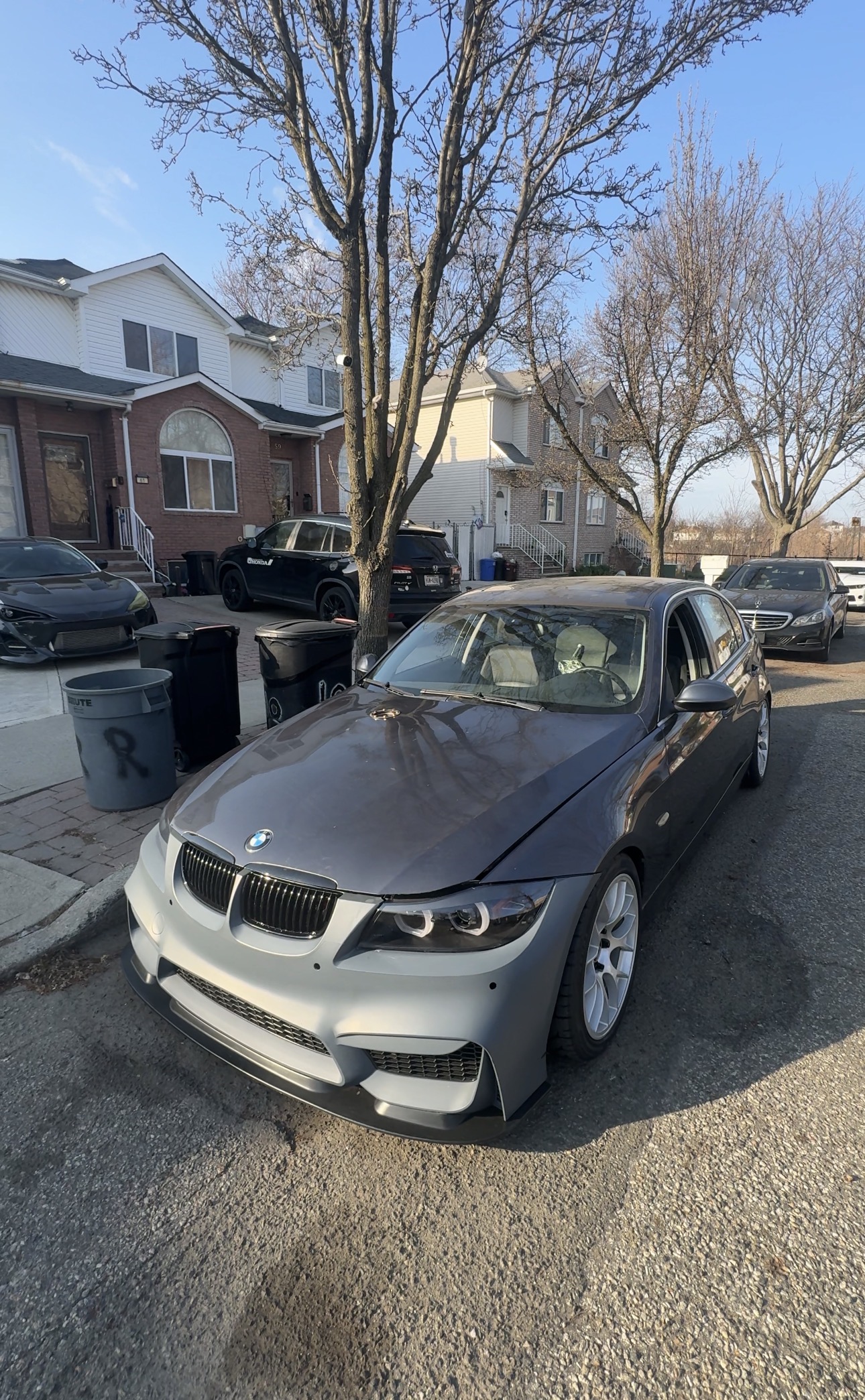
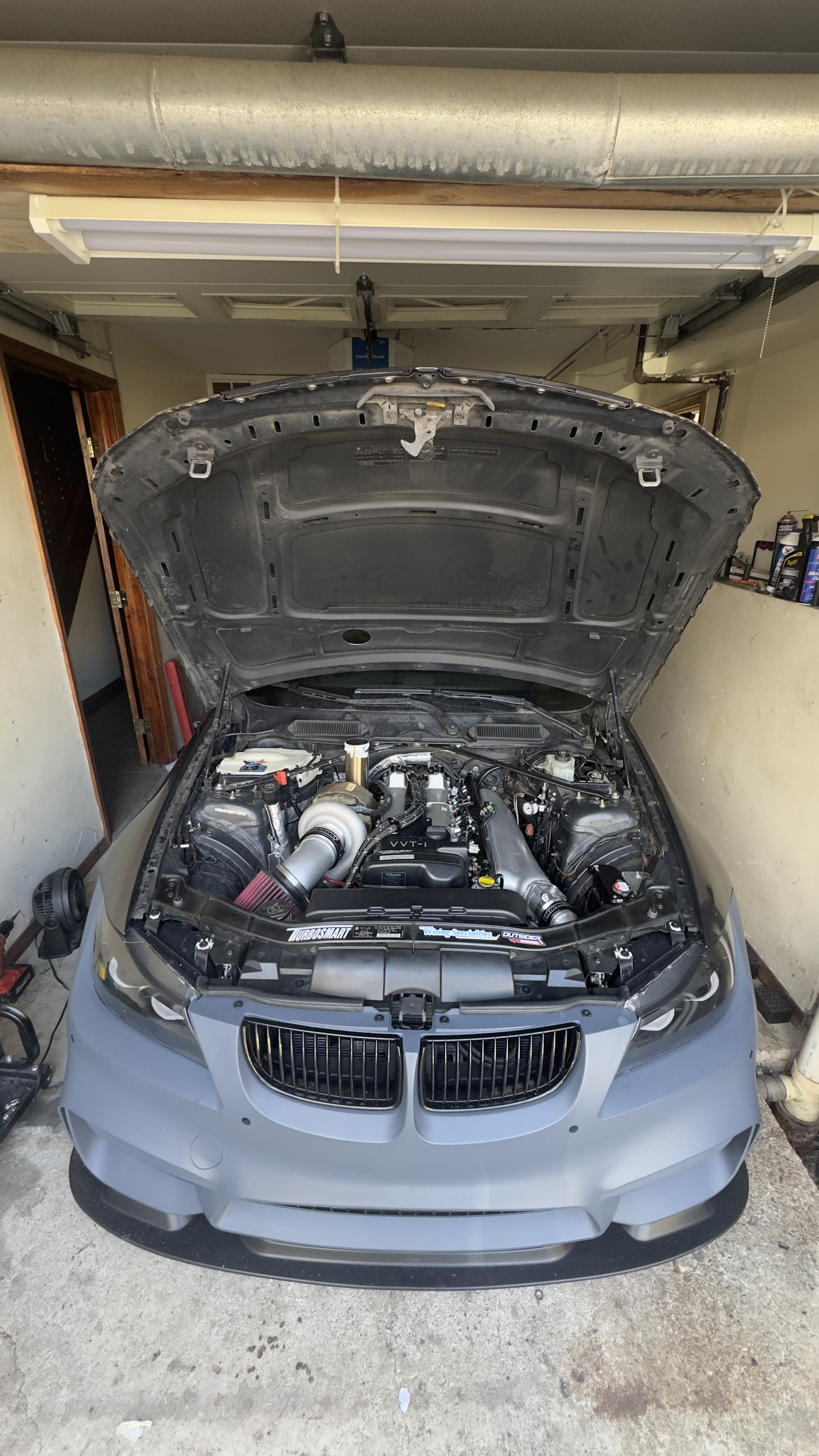
Checking the default CAN configuration for EMU Black, it does not seem to have Fuel Pressure output, but it does show some analog input data.
When connected and engine running
- Go to ‘Settings->Application->Debug->Debug Data View’.
- Tap ‘Custom’ button
- Inspect the custom values coming from the ECU to see if any of them match your expected fuel pressure. Note that value can be in any units, like kPA, BAR, PSI etc. It can also be just a sensor voltage (0-5V).
- If you find a match, you can use input mapping to map the custom value into RealDash Fuel Pressure input. This ca be done in ‘Settings->Units & Values->Input Mapping’
If you can’t find any data corresponding to your Fuel Pressure, you need to configure your ECU to output it into CAN stream and update the RealDash CAN XML file to correctly interpret this new value.
Hello there good morning !!
Thanks for replying back - awesome I will look it up today .
Hello there - good morning I forgot to mention I was looking around yes - so I noticed that fuel pressure was reading when I input to Analog 4 mux switch, gauge started to read from 0 to 1.7 - from 0 to 45psi what actually was matching what my laptop showing on the ECU master Software log screen -. That might be the input that we looking at ?
Now how I can edit the XML File ? Sorry I’m
Very new to this still learning  -
-
Can you kindly walk me through?
Here is a modified CAN XML file for Ecumaster EMU Black, with fuel pressure read from Analog-4:
ecumaster_emublack_fp.xml (5.0 KB)
The change is in frame 0x601 on its last value.
Hey there awesome - thanks you so much for the update - now quick question I will need to just upload this file in the app correct. Thanks again.
Best regards
Henrry ng
Founder | ig Drifftpandas
[Drifftpandas@gmail.com]
Yes, go to connection settings in RealDash, tap “CAN Description File” and then “Custom Channel Description File” and select your custom XML.