Is it possible to achieve color adjustment on the image?
If I set the blending parameter using the COLOR SLIDER 1 (0.0 - 1.0) and change the color using the slider, the color will match. But what if I enter the math V+0.2 on the image? Will the color change by 0.2 in this case? No, it won’t! Is there a way to bypass this?
Again, I just don’t understand what you mean. You have to make new feature requests with very practical mind. Explain what you are trying to achieve, then we may know another way or decide to add a new feature.
What he wants to do is, when value slider1 is 0.1, color slider2 becomes 0.2 using the same action/button. Is it possible to add a mathematical calculation like V+0.1?
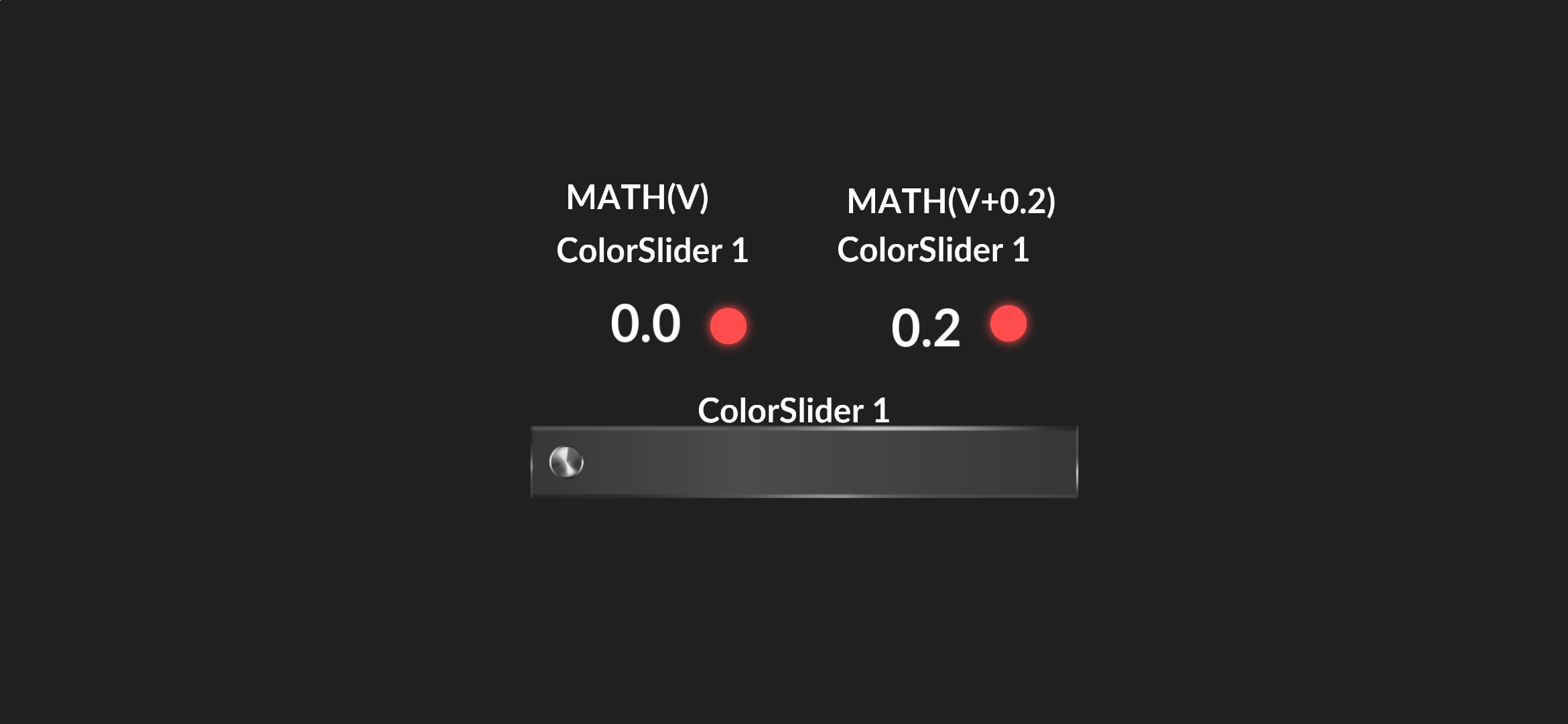
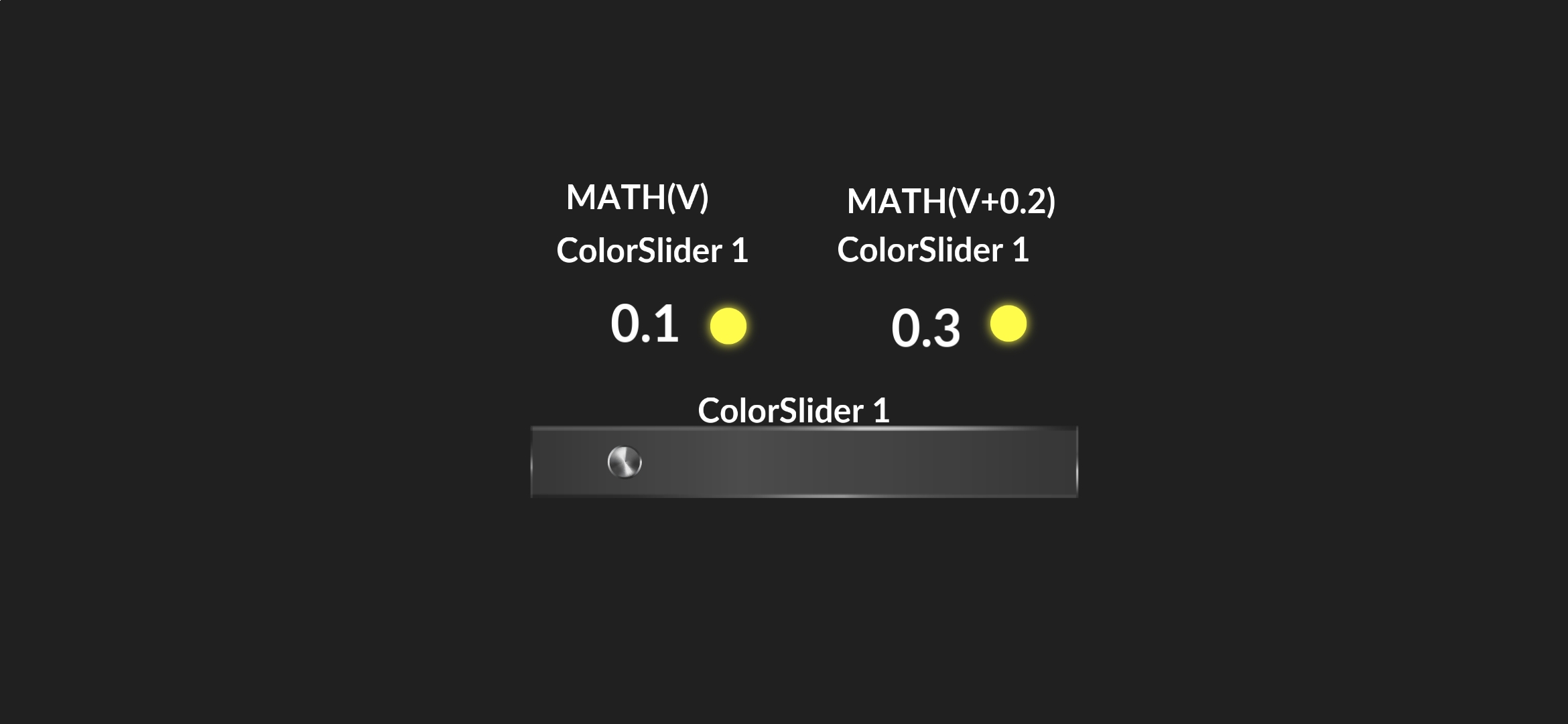
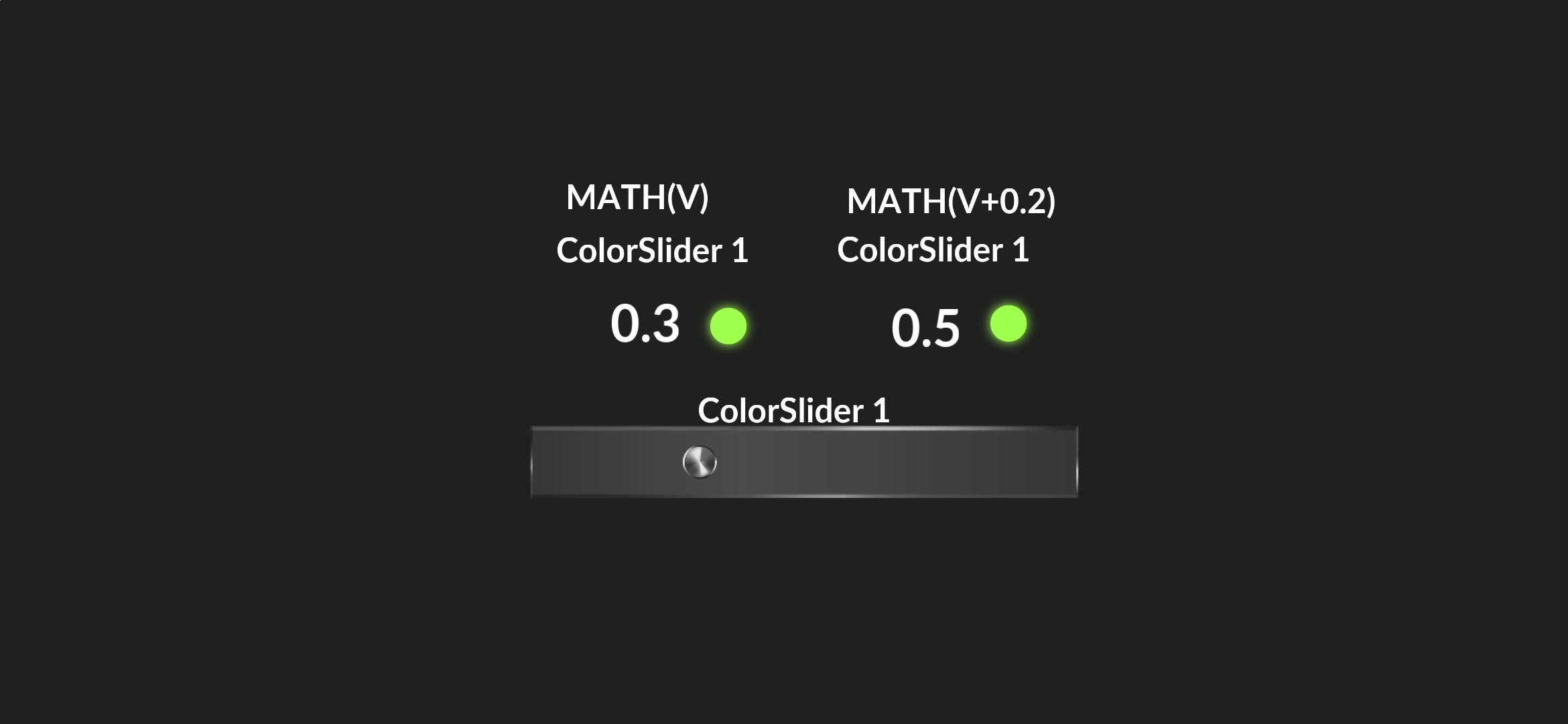
In these screenshots, I have modeled a situation where one slider controls two images. Both images are connected to Color Slider 1.
And the color changes the same way. This is a normal job. But I would like to add 0.2 in the second image using mathematics and get the next shade, that is, orange.It’s kind of to find out the next color and stop. In this way, you can create very informative instrument panels. It’s kind of to find out the next color and stop. In this way, you can create very informative instrument panels.