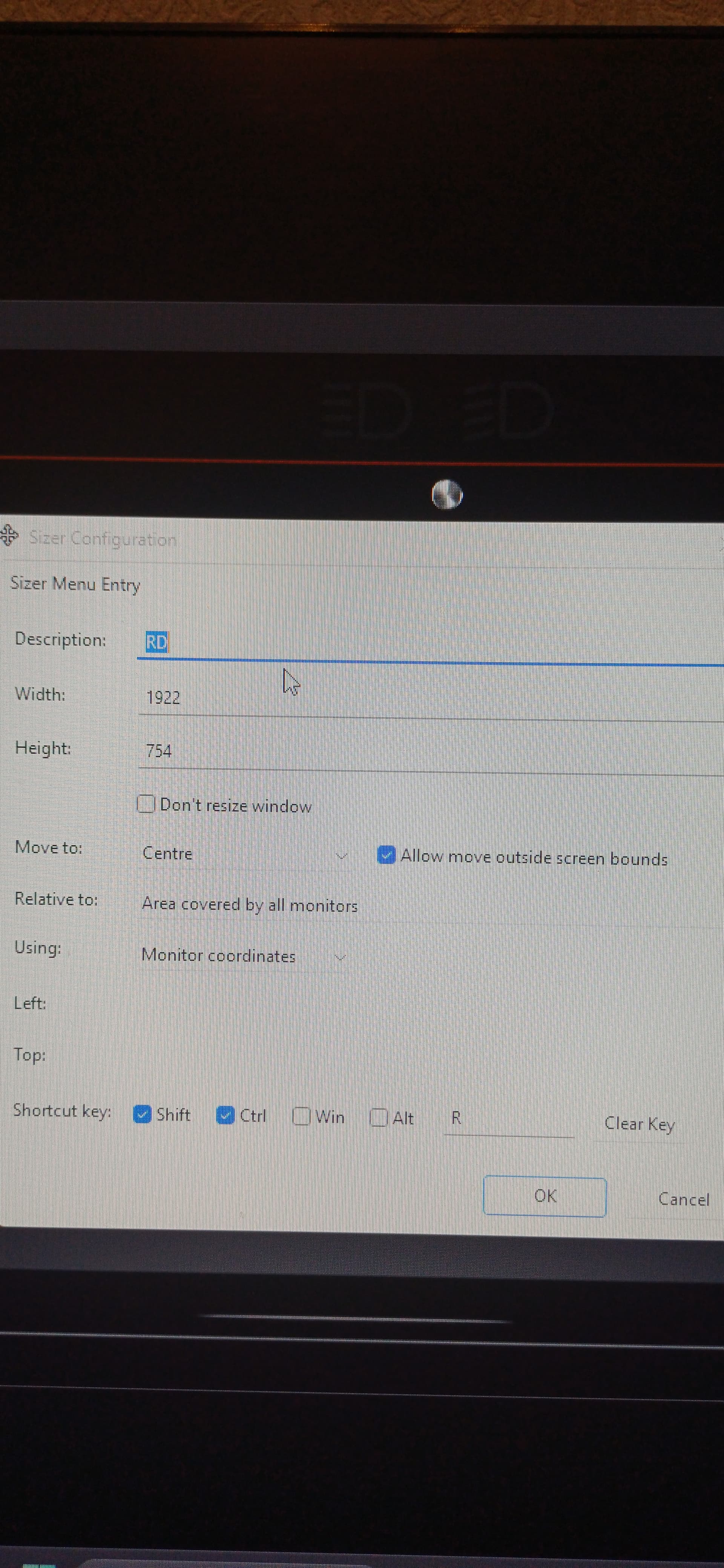
Jani.This post is primarily for you. To set the resolution correctly in the Window environment, we need to add one pixel each to the left, right and bottom, as well as add the width of the upper window and add this to the actual dimensions. So with the help of a small application “Sizer” I create an area of 1922x754 and my RealDash window becomes 1920x720. Even beyond the monitor.
1 Like
1922x754 is the size, including the Window borders and top bar. RealDash sets the window size to Window inside area matching requested resolution.