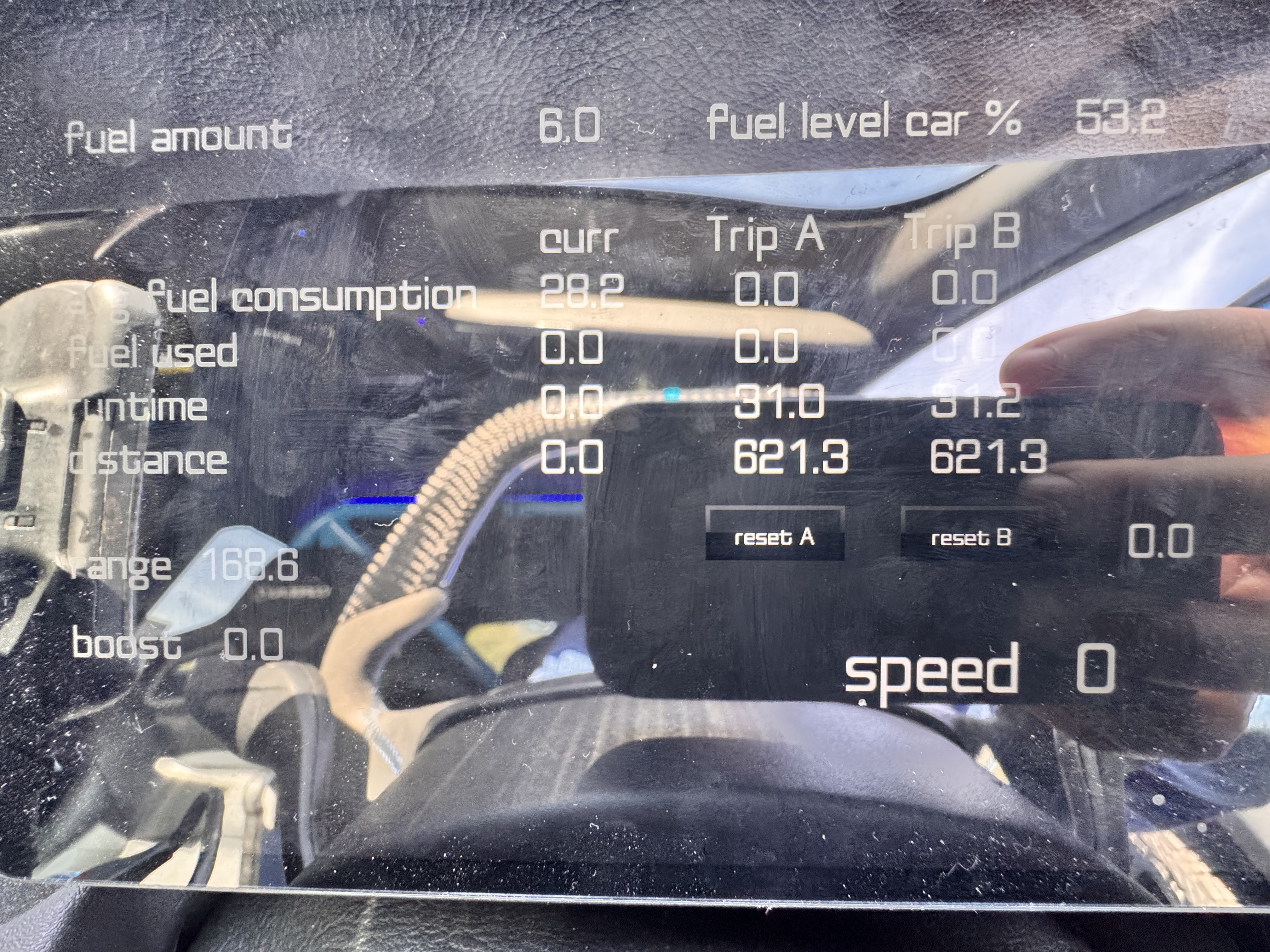
Distance to Empty (range)

Following on from the previous thread, I thought it best to start a new one as I think this is now a slightly different issue;

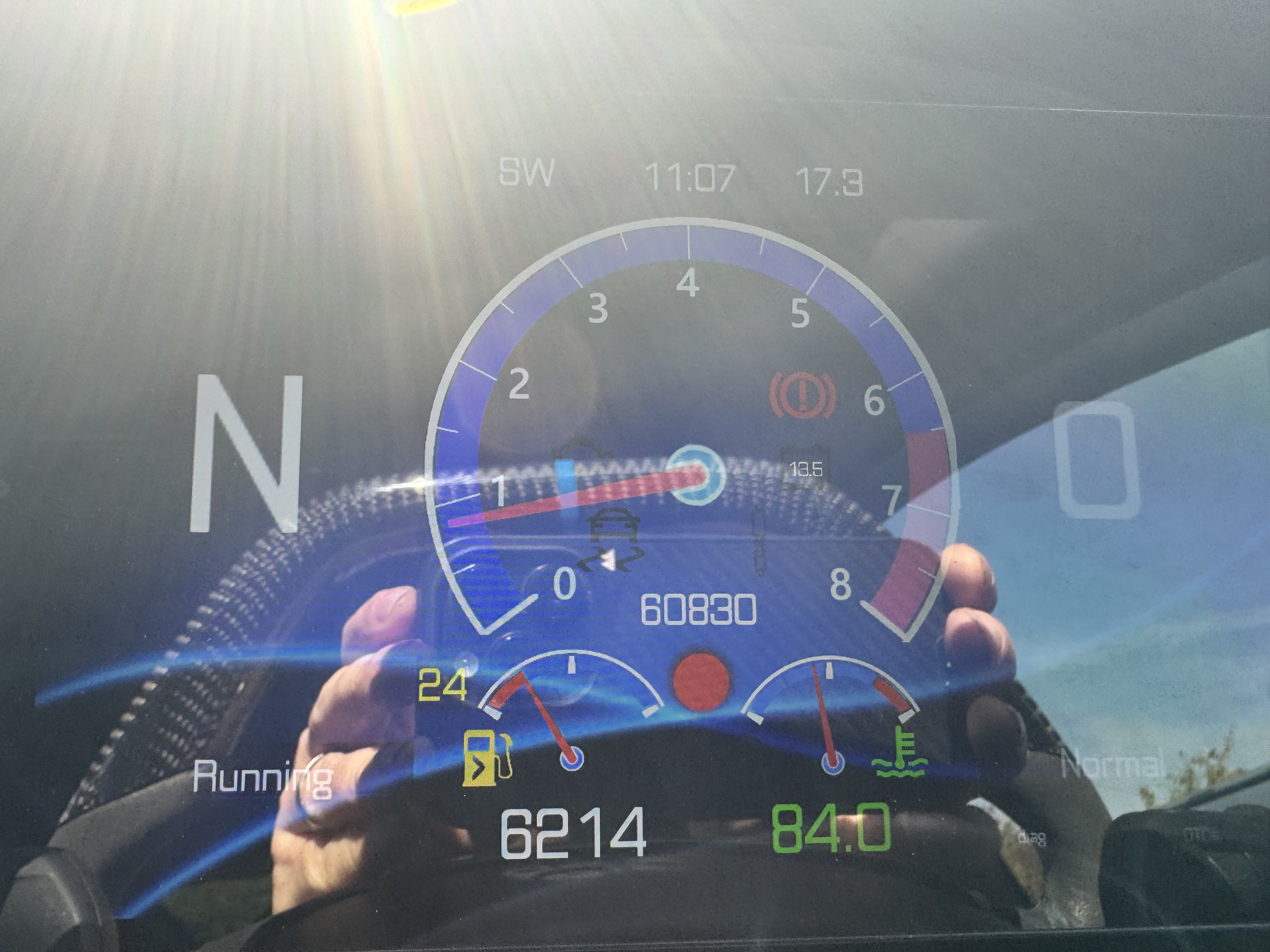
Range is working, but occasionally the range changes to a value of 6214, then after a couple of drive cycles it works again, I’ve setup a second screen to see the fuel related data elements for diagnostic, but can’t see what’s wrong?

Any advice?


Value of 6214 is probably what you have set as maximum for your gauge. This looks like having 0 consumption resulting to infinite range.

Is there a reason why it keeps loosing the fuel consumption value? I did notice when it does have the avg fuel consumption populated the range is calculated correctly.

Don’t know what could cause this. Does not happen on our test cases nor any of the test vehicles.

Ok I’ve looked at this again today and I’m getting strange results:

My XML populates the following target ID’s

170 : fuel level % from CAN with calc V0.4
222: use the same value as 170, but converts percentage to litres with a fixed tank size; 51
((V0.4)/100)
81: vehicle speed from CAN with calc V
0.01

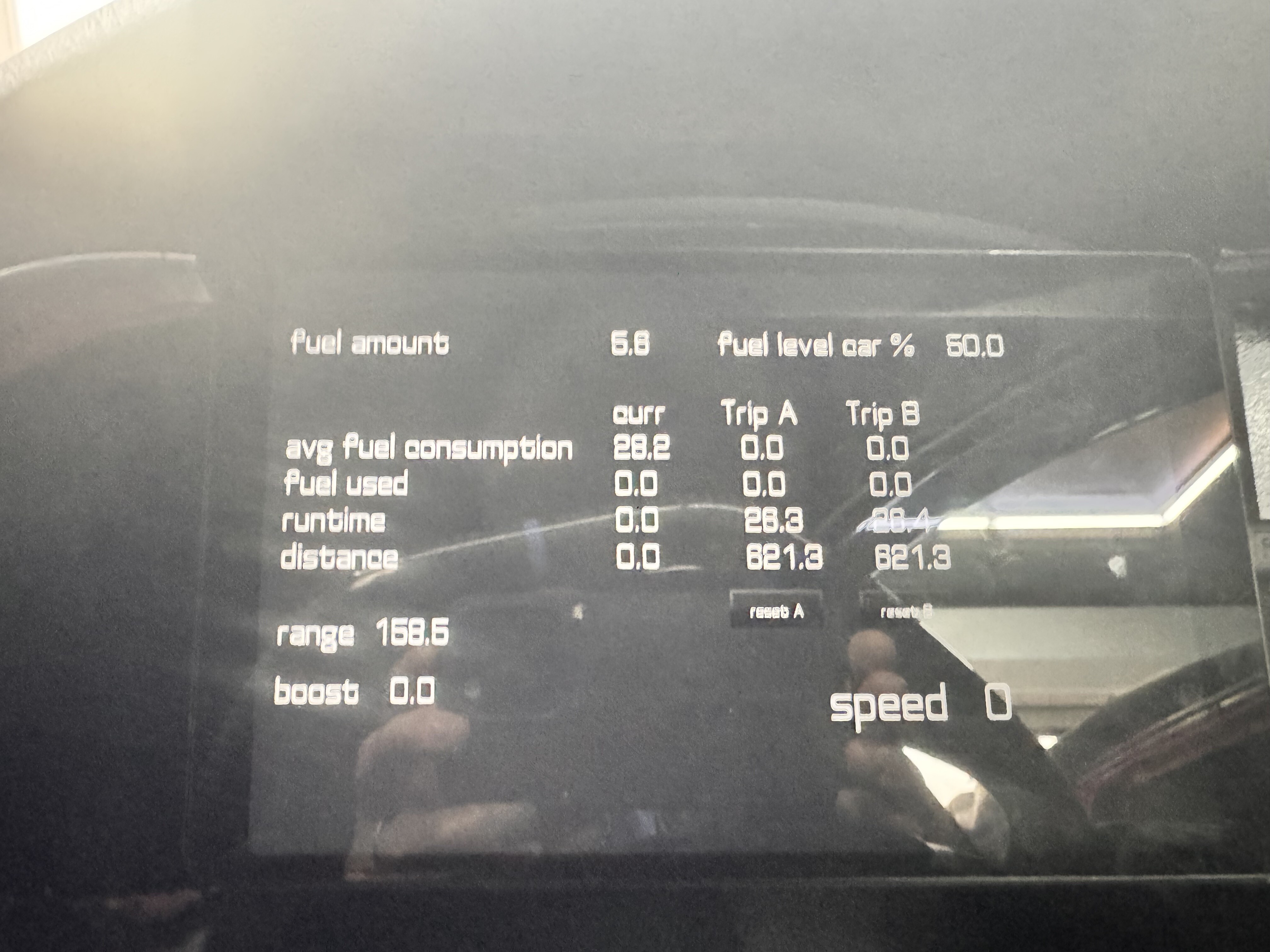
When I first got in the car the range was correct and the avg fuel consumption seems reasonable

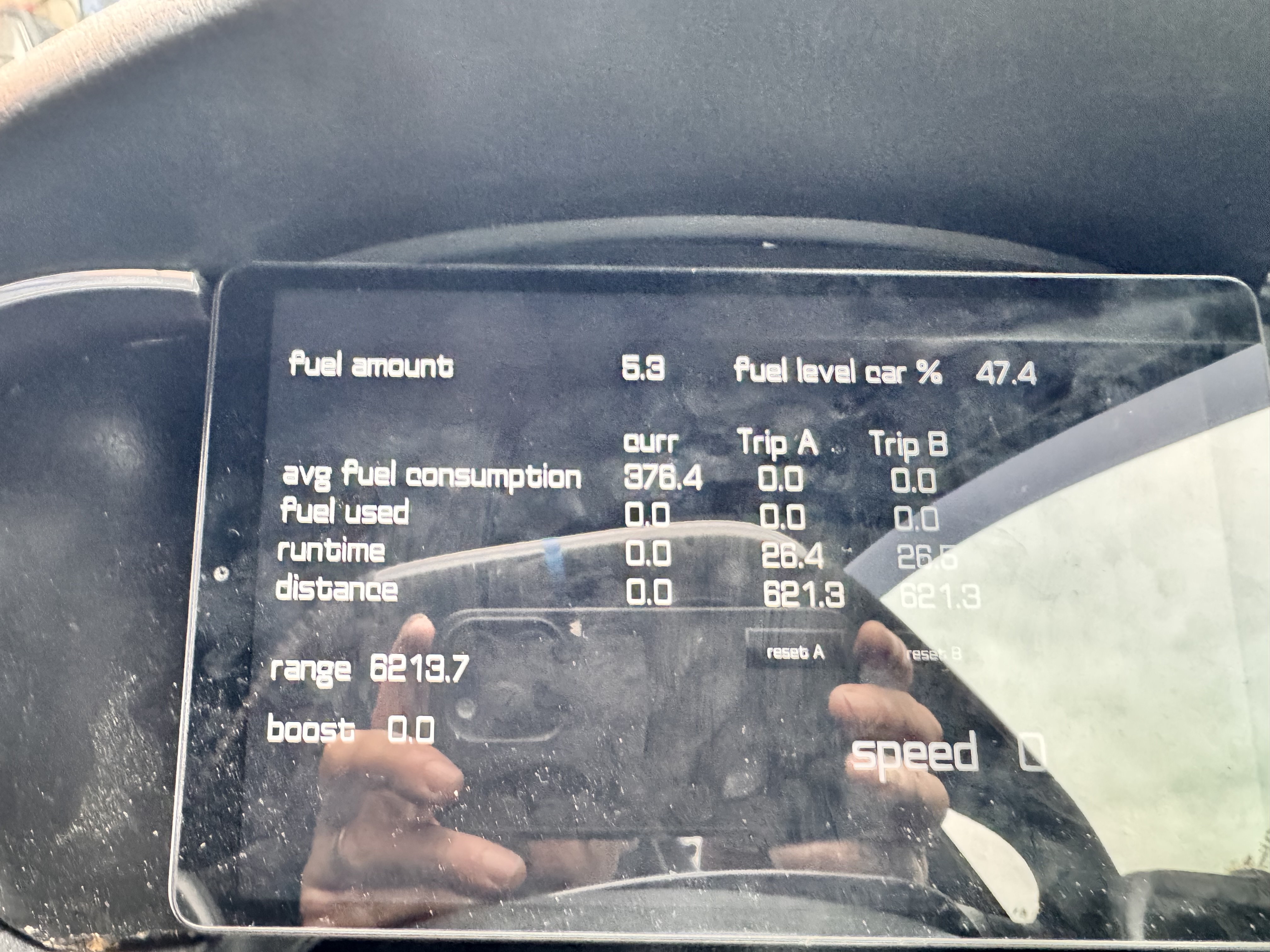
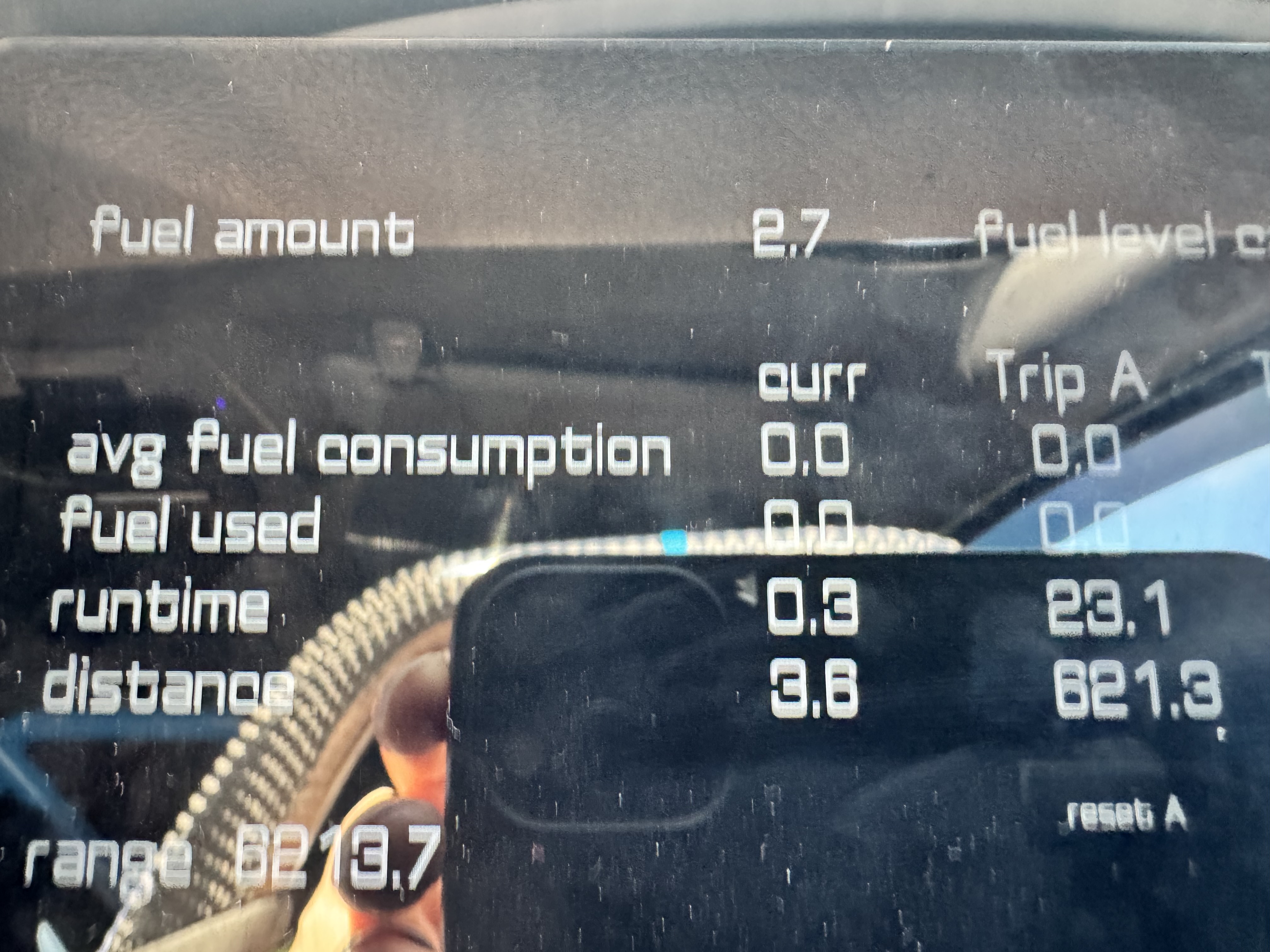
I turned off the car and restart it, did not exit RealDash and the range showed 6213.7 and avg fuel consumption of 378

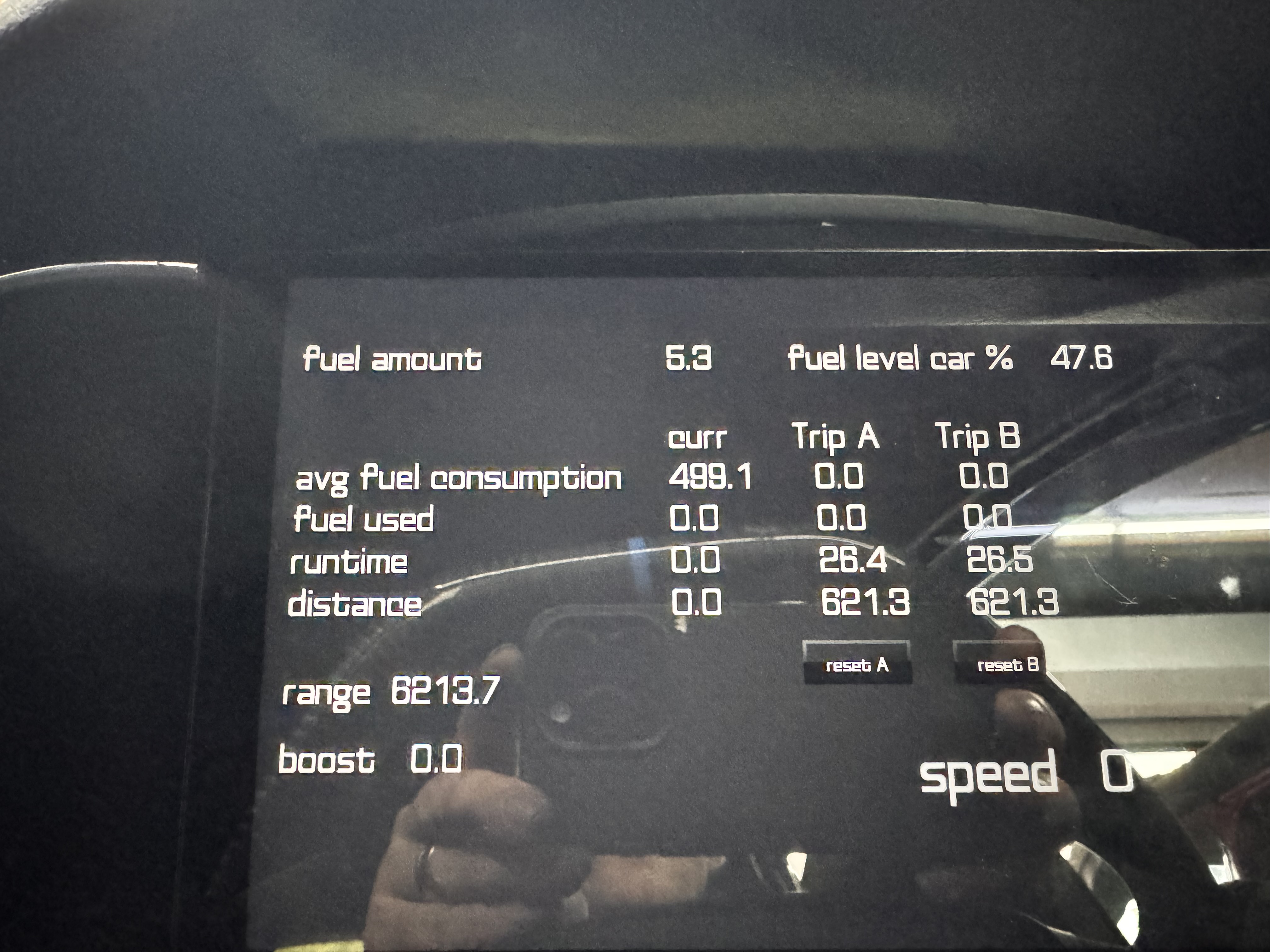
I then did the same turned off the car and started it again and again the ave fuel consumption changed, this time to 499

I’ve also noticed trip A and trip B’s avg fuel consumption doesn’t get updated either, but this might be a red herring

Let me know if I should look at something else thanks again for your support on this!

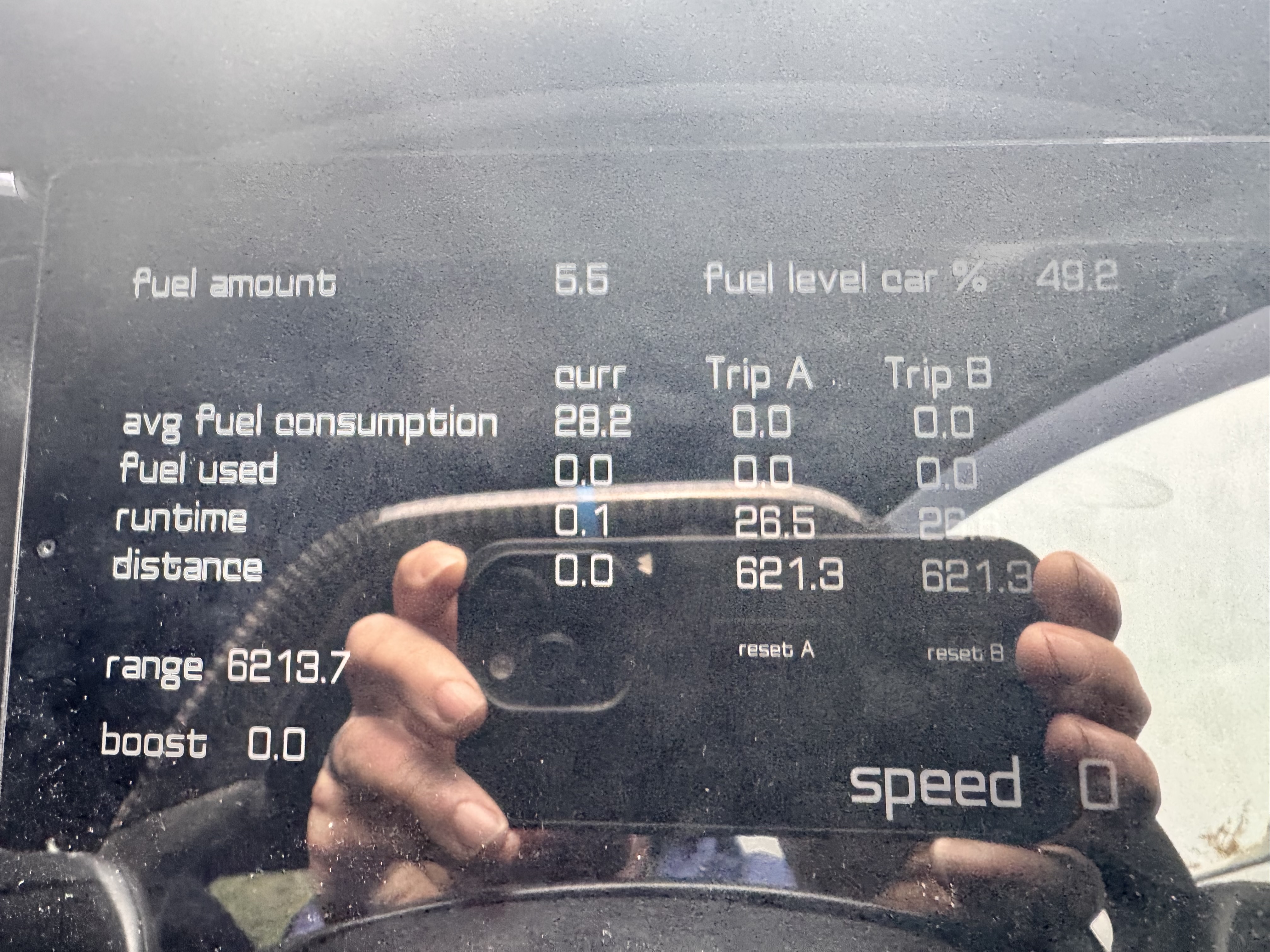
Update: the next day… the average fuel consumption changed back to a reasonable valve but the range was still up

Update: after a drive over the weekend, the range bow looks reasonable (interesting though the trip A and trip B distance hasn’t updated - done around 200miles)
Thank you for this extra info. I will try to duplicate your data input on a simulator and see if same happens for me.

Could you also share your .rd file, so I can check if your dashboard could cause something with triggers and actions. Share to contact@realdash.net

Hi,

Email sent over with the file attached

Thanks
Ian

Thank you. I will take a look as soon as possible.

1 Like

I’m guessing you haven’t had chance to look at this yet, so giving my post a little bump :joy:

No problem.

I did take a quick look but just could not reproduce this issue on office environment. Could not use huge amount of time for testing though, sorry.