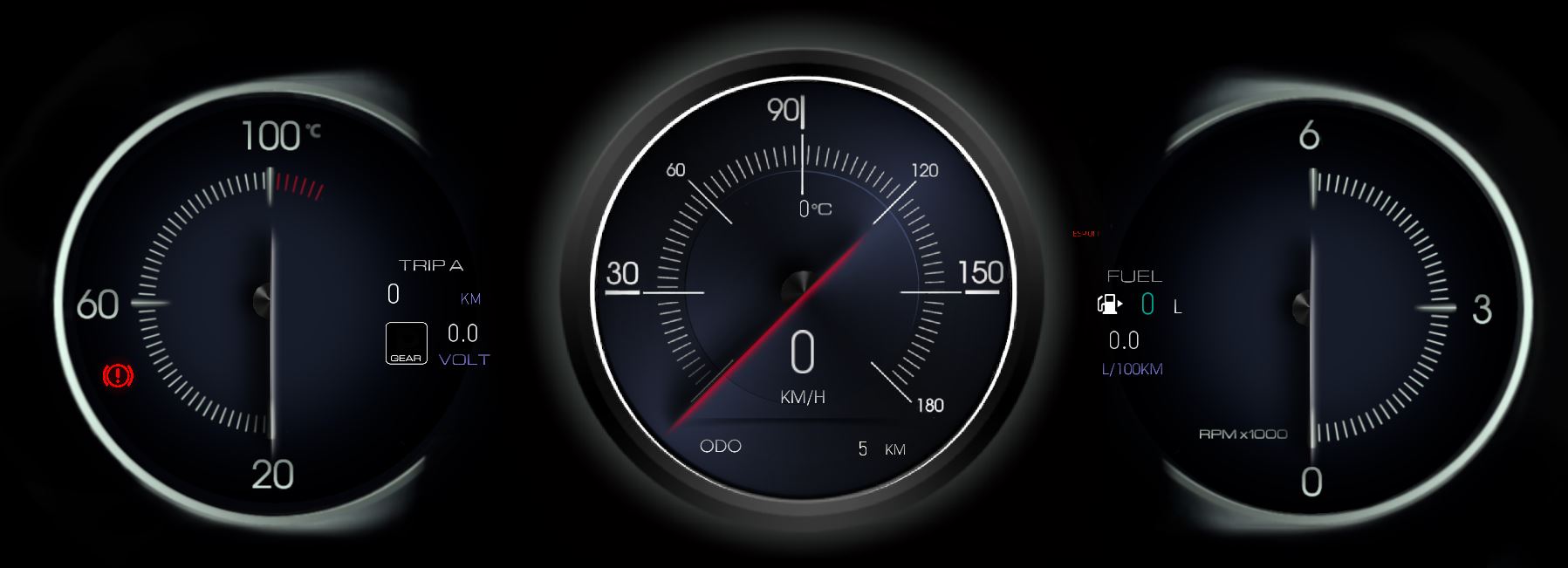
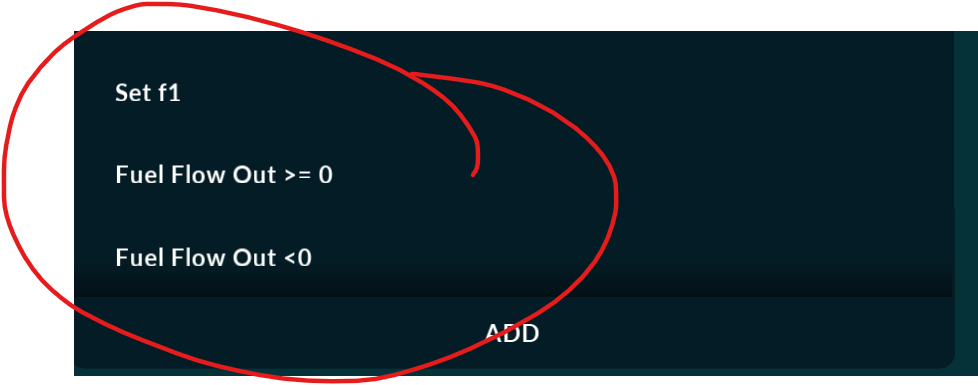
Fuel consumption meter

Hello

I discovered and tested the Renault and Volkswagen junior fuel consumption byte in the can bus (aka MAF is recalculated by the formula).

This Byte in all Renault
Can ID 0x66a offset=“3” lengt=“1”

i ask you made specal ID

  1. Restore and count the total amount of spent fuel by the lowest byte
  2. Calculate instantaneous fuel consumption based on the above byte (delta T=3 sec for example)

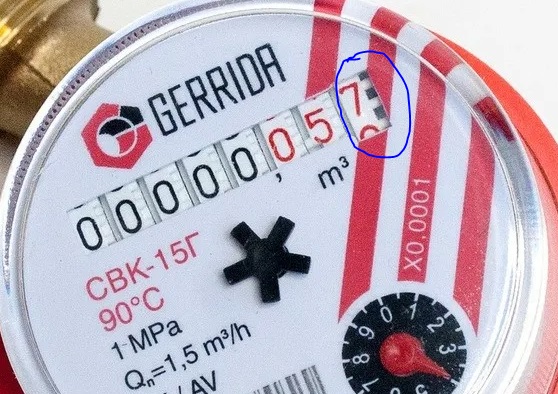
for an analogy and a better understanding of how this byte works, I attach a photo of a water meter

best regards
calc.jpg

Either I do not understand what you mean, or this is too specific to be implemented outside of connection specific XML.

I’m sorry, I’ll add as much detail as possible as soon as I can. I think this is very important for RealDash

This is only for RENAULT.
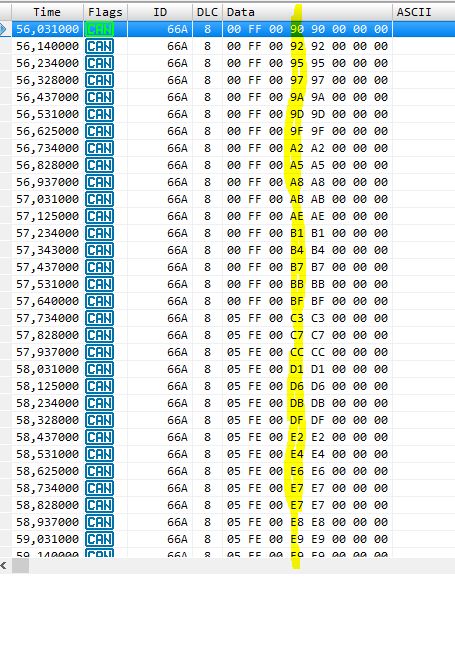
The ECU transmits only the low byte of the fuel meter to the can bus.

Please look on my diagram offset=“3” lengt=“1”

to restore the value of spent fuel:
It is necessary to take into account the transition through 255 and add in hi bute value 1

result in litters conversion=“v/1600” - this will be the total amount of fuel spent (strong formula)

Instant consumption: Where T is the Time
Instant Consuption = Spend Fuel (T+3sec) - Spend Fuel (T) conversion=“v/7.77” for L/h also strong formula

or in table - Time 59.031 Value is = hex E9 - time 56.031 Value Hex 90
result for Instant Consuption (3 sec) = DEC 89 / 7.77 = 11.45 litters in hour

I used to make these calculations in STM32 ( CAN>USB RealDash CanbusAdapter) - now I have it extremely loaded.

I think it is necessary to implement the calculation of the fuel meter in RealDash for versatility
66a.JPG

I was thinking here, I will be able to register all the triggers with new ones specified in another topic if there is an assignment of one input to another. explain that I wasted your time. it may be useful for someone to have a Renault fuel meter running. I am ready to post a full description of the CANBUS RENAULT (Logan/Kaprur/Dutster/Nissan) if it can be done of course.

Good evening. Please share the description of CANBUS RENAULT

I would like to see it too, so if it’s done can you share it? thanks in advance.

https://drive.google.com/file/d/1riEH8LvaE4QtLy83-KmxYBVYkb1XdzPb/view?usp=sharing


it is XML file for Renault Logan 2

Do you mind if I add this to next release of RealDash?

i will full check send to skin & xml to the your email (in skin present triggers for calc fuel consumption)

new skin.JPG

I would like to modify the XML in the way that it works with any of our dashboards. Is this ok to you?

Course i agree!!!

but in xml present specific inputs

speed limiter
instand fuel consuption calc in the triggers
ABS warning need on 1 bit lench

and other
i need few days - i made detal comment in good english in the XML

1 Like

Hi, has the calculation been added? I want to test the instantaneous fuel consumption in my Renault Clio 4.

1 Like

No, support for this has not been added. At the time, I got very confused about the water meter image and though that I do not want to add support for water meters.

Reading the first post again now, I understand the point of the original question. There is a need for kind of cumulative value. This could be done for example adding an attribute to XML, like

<frame id="0x66a">
    <value name="My cumulative value" offset=“3” length=“1” cumulative="3"></value>
</frame>

That would indicate that value is added and latched out once per 3 seconds. This ‘cumulative’ attribute would be relatively simple to add to XML parsing.

2 Likes

please add “cumulative” in RealDash-extras/RealDash-CAN/realdash-can-description-file.md at master · janimm/RealDash-extras · GitHub

pay special attention when going over the 255 value ( some cars have max 160 and after start from 0 )

I tried this, but I didn’t get any meaningful results. It starts at 0 rpm, then increases to 32, but when I take my foot off the gas, it stays at that last value. Then, when I press the gas again, it continues from where it left off. When it reaches 32, it resets to zero.

frame id=“0x66A” length=“8”>

value name=“clio_Anlik_Yakit_Akisi”
targetId=“283”
offset=“3”
length=“1”
cumulative=“3”
conversion=“V/7.77”>
Well, this was only a suggestion/discussion at this point. Its not implemented.

1 Like

please use

i made in global triggers

Is there any doc on how the calculated sensors are setup?

please take a look at the example… I really don’t know how to explain it.