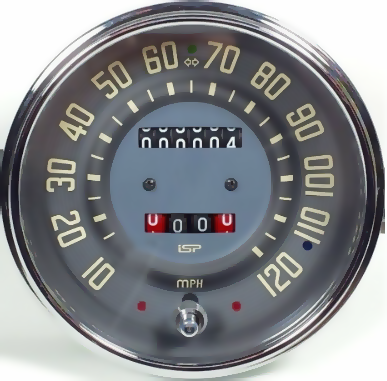
If you are good with photoshop you can edit your images with the stamp and blur functions and create something like this. Then all you need is this as a background and a needle image.
2 Likes
Thanks!  Do you know how to select the pivot point for the needle? If you change these values the whole needle moves.
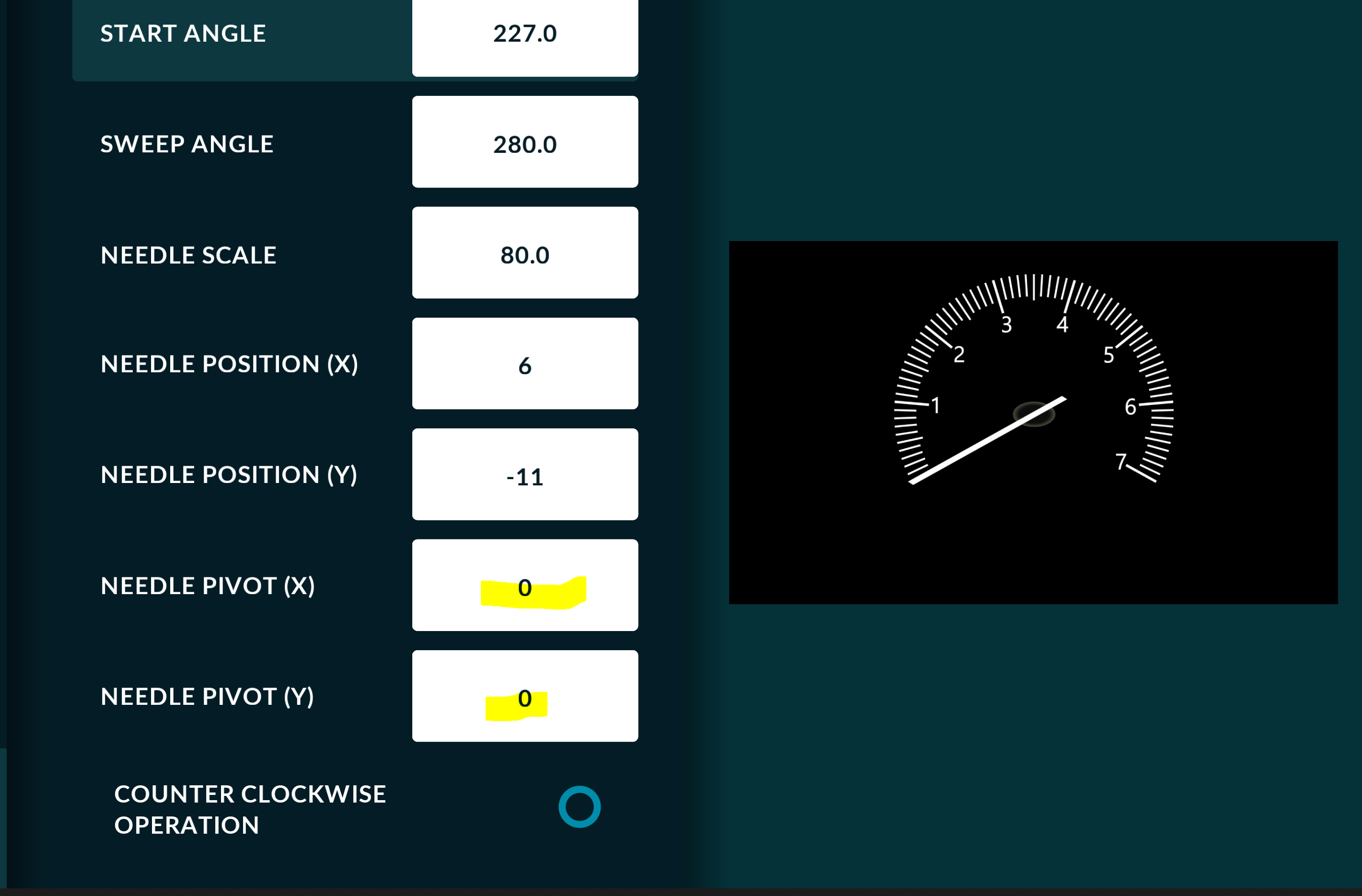
How you can simulate the needle to check that everything matches?

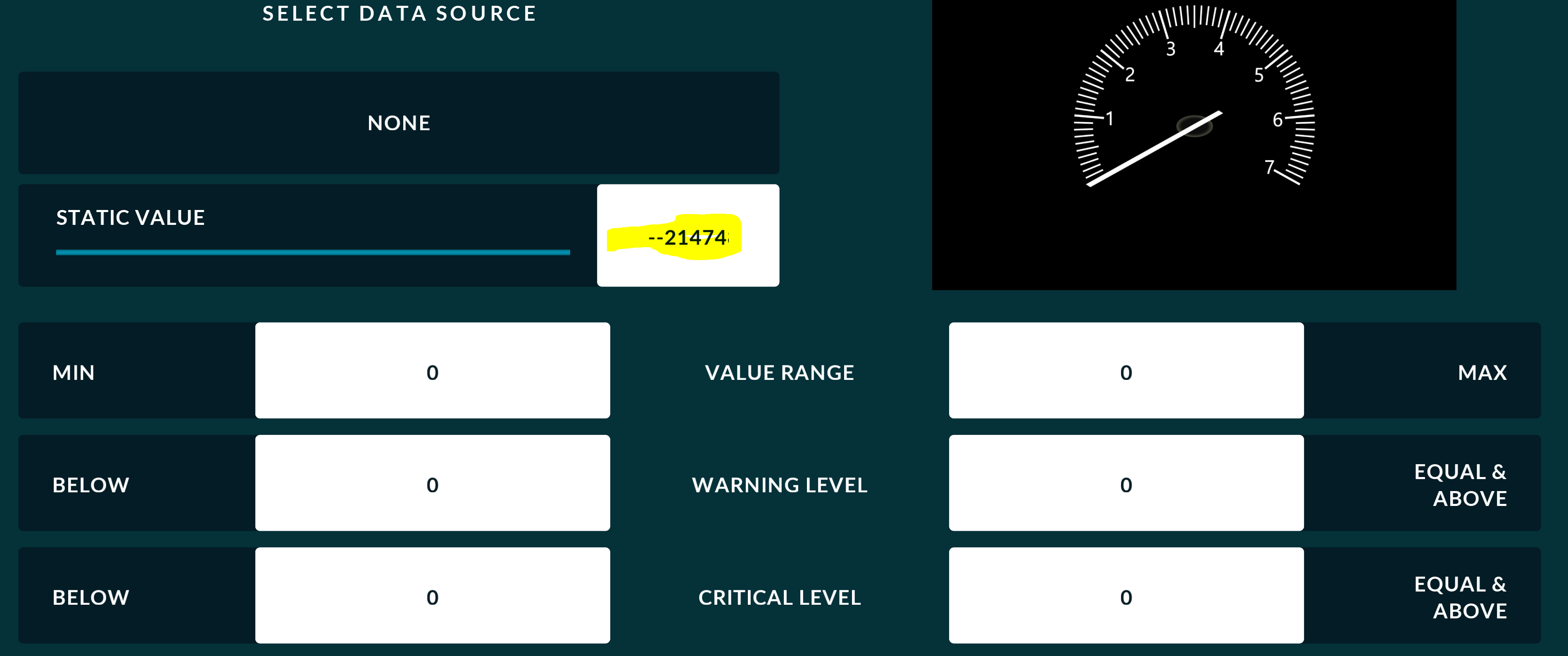
If you put any value here it changes to --214…
1 Like
Needle image must be designed in a way that pivot point is at the center of the image.
The Simulation mode is used for testing, but you do need to set the Range. Your RPM gauge range shows min:0 max:0, so obviously its not moving.
- Select Data Source->RPM
- Range Min:0, Max:7000
1 Like
Thanks again! Great to have your help!
1 Like