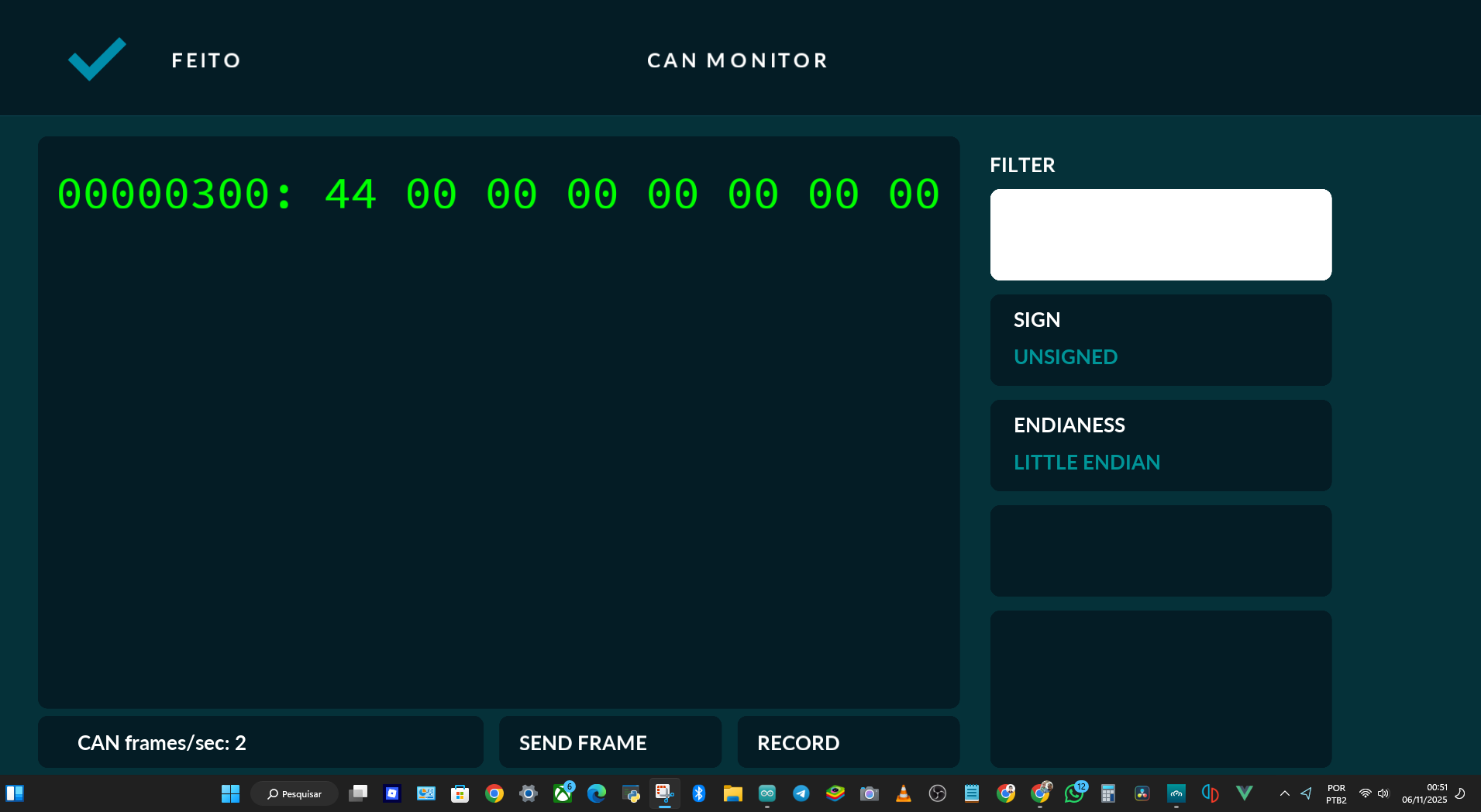
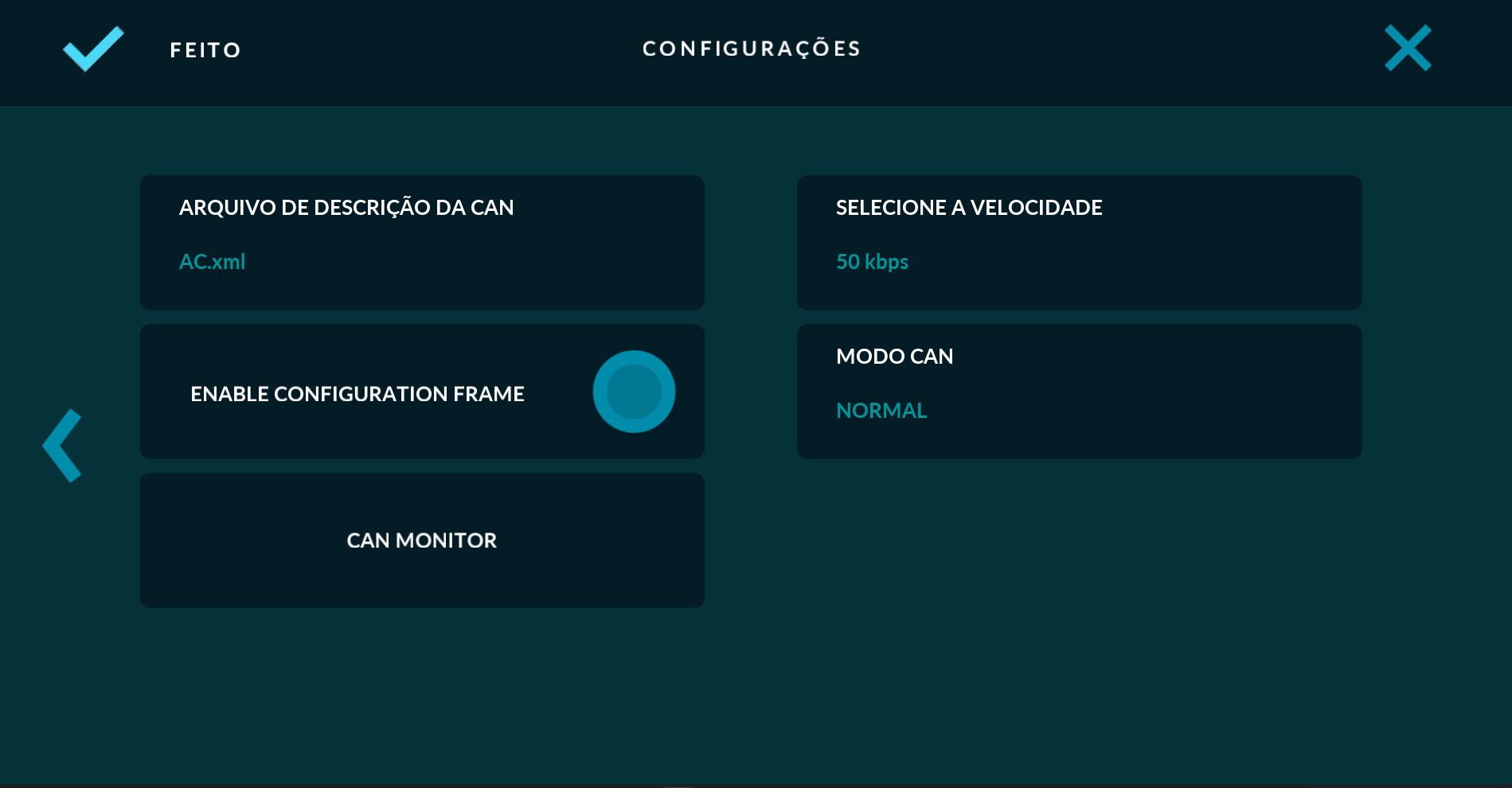
I would like to understand how RealDash determines vehicle speed from the CAN bus using Arduino and ESP32, similar to how CANalyzer works. For example, you select the car’s CAN bus speed, like 250 kbps, in RealDash, and it connects automatically.
My code is already functional and can read any vehicle, but currently, I have to manually change the speed in the code. I want to know how to make RealDash read the native CAN speed directly without changing it in the Arduino code.
Thanks in advance!
This is the part of the code I have to modify for every car:
I think you didn’t understand — I already have the code fully working on Arduino and ESP32, with the XML and everything, for the Palio and other vehicles.
But the CAN speed (for example, 50 kbps on the Palio and 500 kbps on the Honda Civic) is something I have to change in the code.
How can I switch the CAN speed directly from RealDash, using Arduino and ESP32?
Would you like me to also explain how you could make RealDash change the CAN baud rate dynamically (for example, by sending a command through serial or Bluetooth to the Arduino/ESP32)?
Thank you for your reply! I did the following: I created an auto-scan for the vehicle’s CAN speed, and in about 3 seconds it tests all speeds from 5 kbps to 1000 kbps. It then stores the last successful connection, and if it doesn’t connect, it retries automatically.
I implemented this on the ESP32 using BLE, Classic Bluetooth, and USB Serial.