Hello! I am creating a custom array of buttons for my steering wheel currently, and i plan on dedicating a few buttons for using with RealDash
I am using arduino to convert my resistive buttons into individual outputs, and then these output signals will be wired into OneGauge Hub that I will assign to RealDash
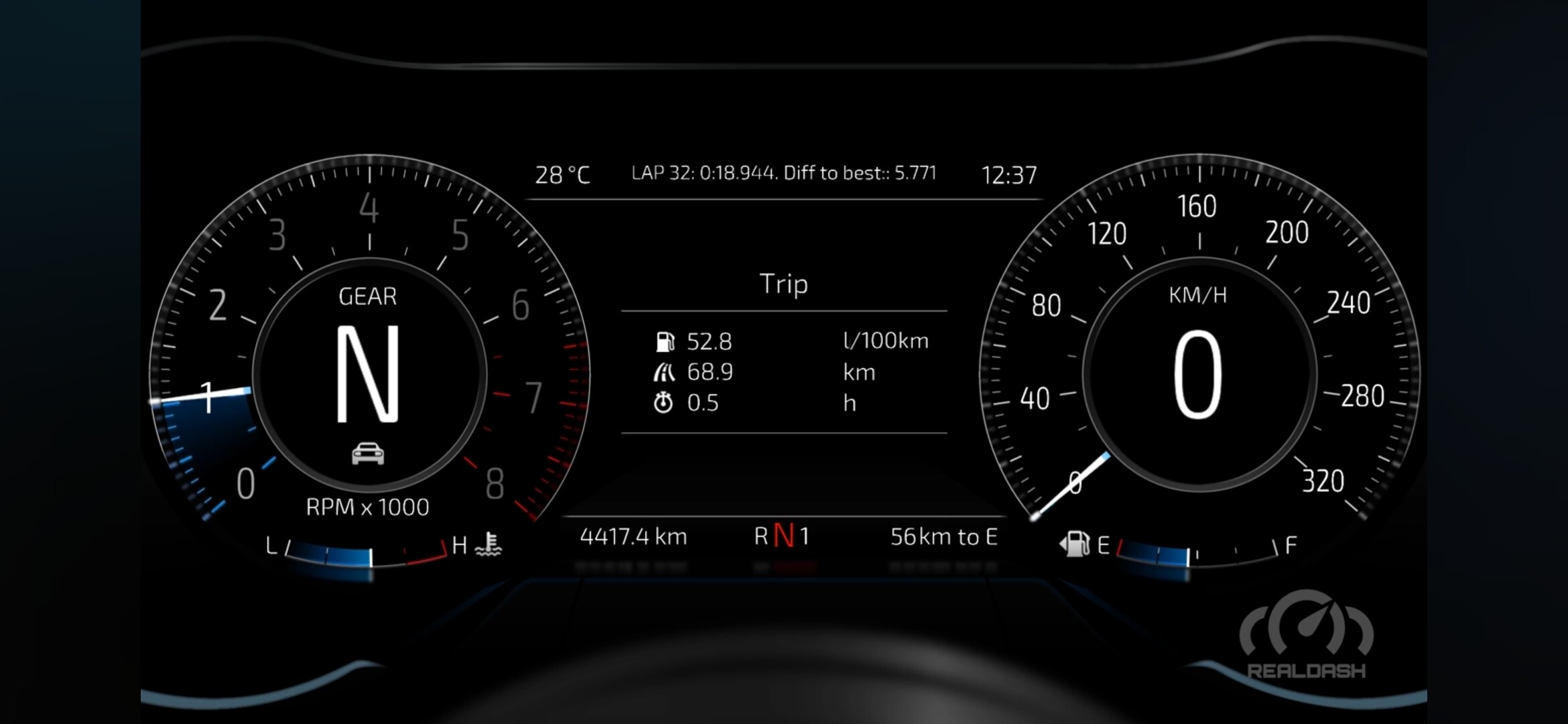
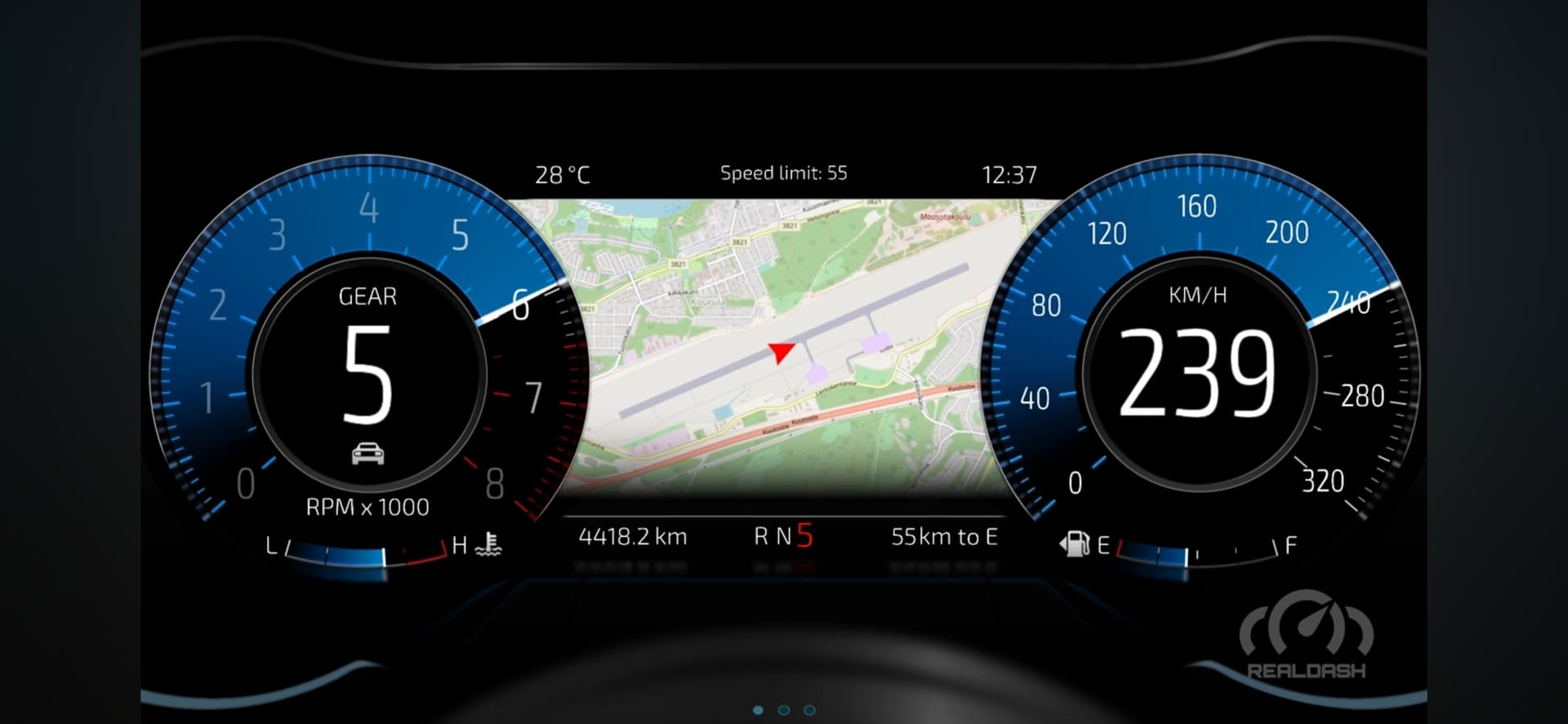
When looking at New Boss on the Block, I would like to toggle between Trip info and Map, from my steering wheel buttons.
Can someone please guide me as to how many buttons/inputs i would need for this (assuming only 1?)
And , what action i would assign to my button input from OneGauge/Steering Wheel?
Thank you so much !
!
These are the two screenshots of ehatni would like to toggle between using my steering wheel buttons (photos)
Screenshot_20250627_054145_YouTube|690x318
New Boss dashboard has built-in support for Steering Wheel buttons 1 and 2.
- Button 1: Switches the drive modes
- Button 2: Switches the center displays
So if you have a button that you can link into Steering Wheel button 2, that will be all you need.
1 Like
THANK YOU!!!
Is it the same with C8 dash? Are there any dash layouts that can use more than 2 Steering Wheel buttons?
You see, with my custom steering wheel project, i actually have quite a few buttons. Even more with the long press/short press feature i implemented. So, i could dedicate 4 or 5 buttons to RealDash if i wanted to.
I am speaking with OneGauge thru email about how to send my buttons into RealDash via usb on the Joying 12.3 radio. I hope this works! Will be neat to toggle gauge info at my wheel
I think C8 uses two buttons also. Our dashboards do not use any more than 2 buttons. Its relatively easy to add more button activities thru Settings->Application->Global Triggers & Actions.
1 Like