Previously, I’ve had no issues when updating RealDash; it has always found the DashBox without any problems. However, after the latest update, I can’t establish a connection anymore. The DashBox is connected via USB.
The last working update I did was last autumn, I think it was around August 2025
Or are the previous updates available somewhere?
Any ideas what has changed?
Connection detected in CAN monitor, but data fails to reach the dashboard. This worked correctly in the earlier version
Hi. I have also noticed apart from the WAZE app not being able to select as an option for navigation ,the odometer also does not show the correct DTE (distance to Empty) in fact it keeps changing from eg: 300km to 45km regardless I drive the car or I just start and park it.
Thanks
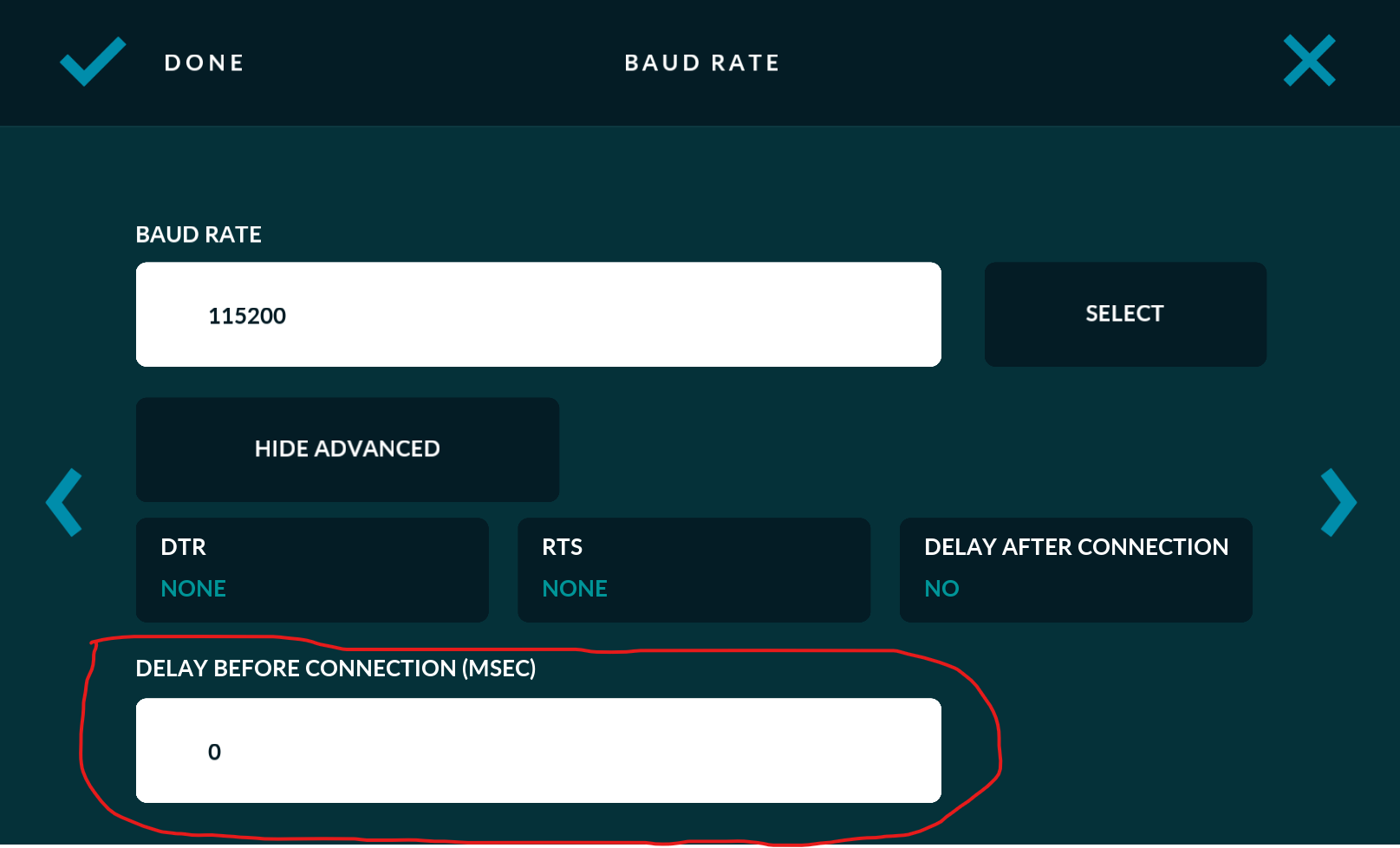
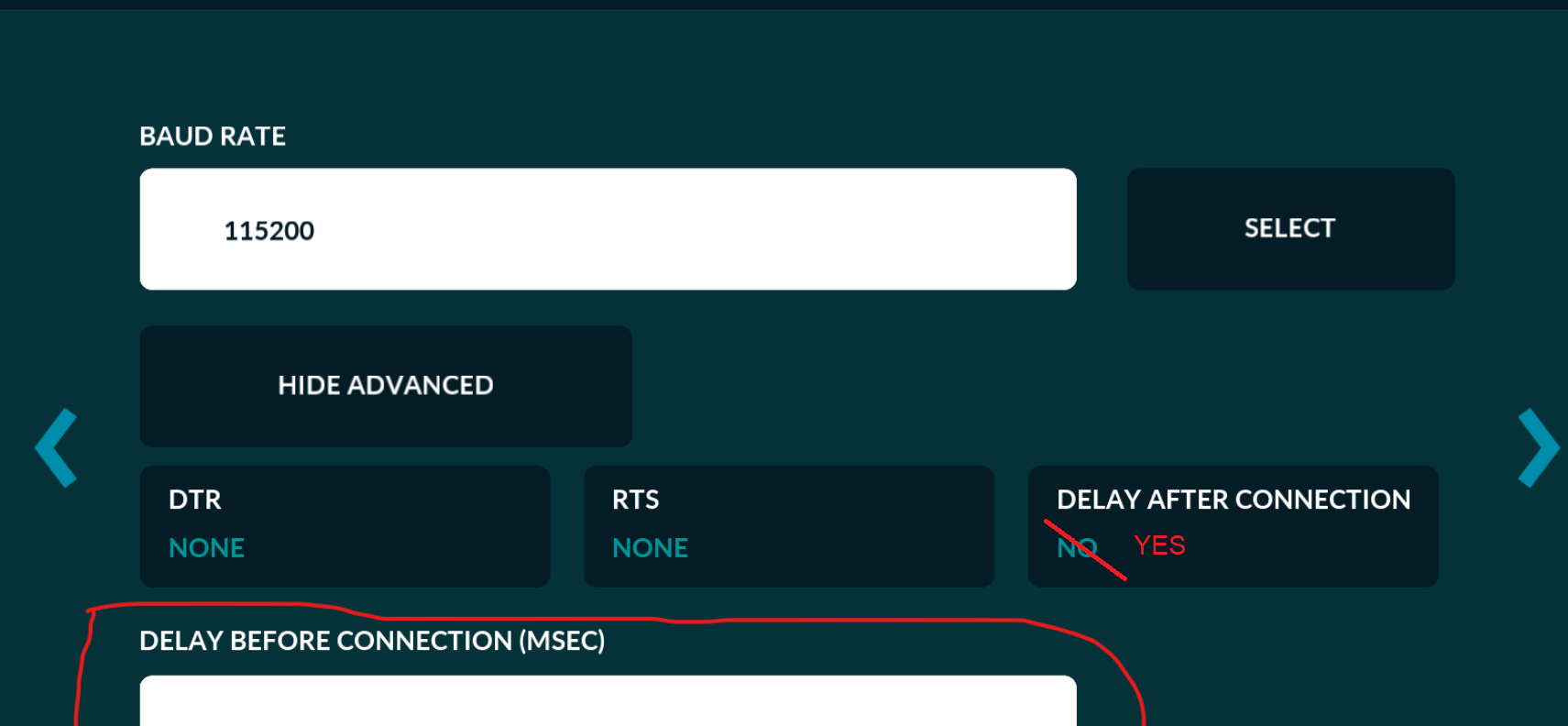
For DashBox USB connection, you need to add at least 4 second delay for the connection. This can be done from RealDash USB connection settings with ‘Advanced’ button.
Hi, could you give me instructions on where to add the connection delay? I can’t find the place in RealDash where the delay can be set. I’m using the Windows version of RealDash.
I have a RealDash license, but the Windows .exe version does not appear in my My Downloads page. I can only see the other versions (Android, macOS, Linux, ARM, etc.).
Could you please add the Windows 64‑bit version (RealDash Windows .exe) to my account?