2.7.4 released 30.10.2026
New:
- New calculated inputs for performance: 0-60kph, 0-200kph, 100-0kph, 0-100-0kph.
- RealDashCAN protocol configuration frame to set CAN filtering.
- All map/navigation related functionality moved to our own server.
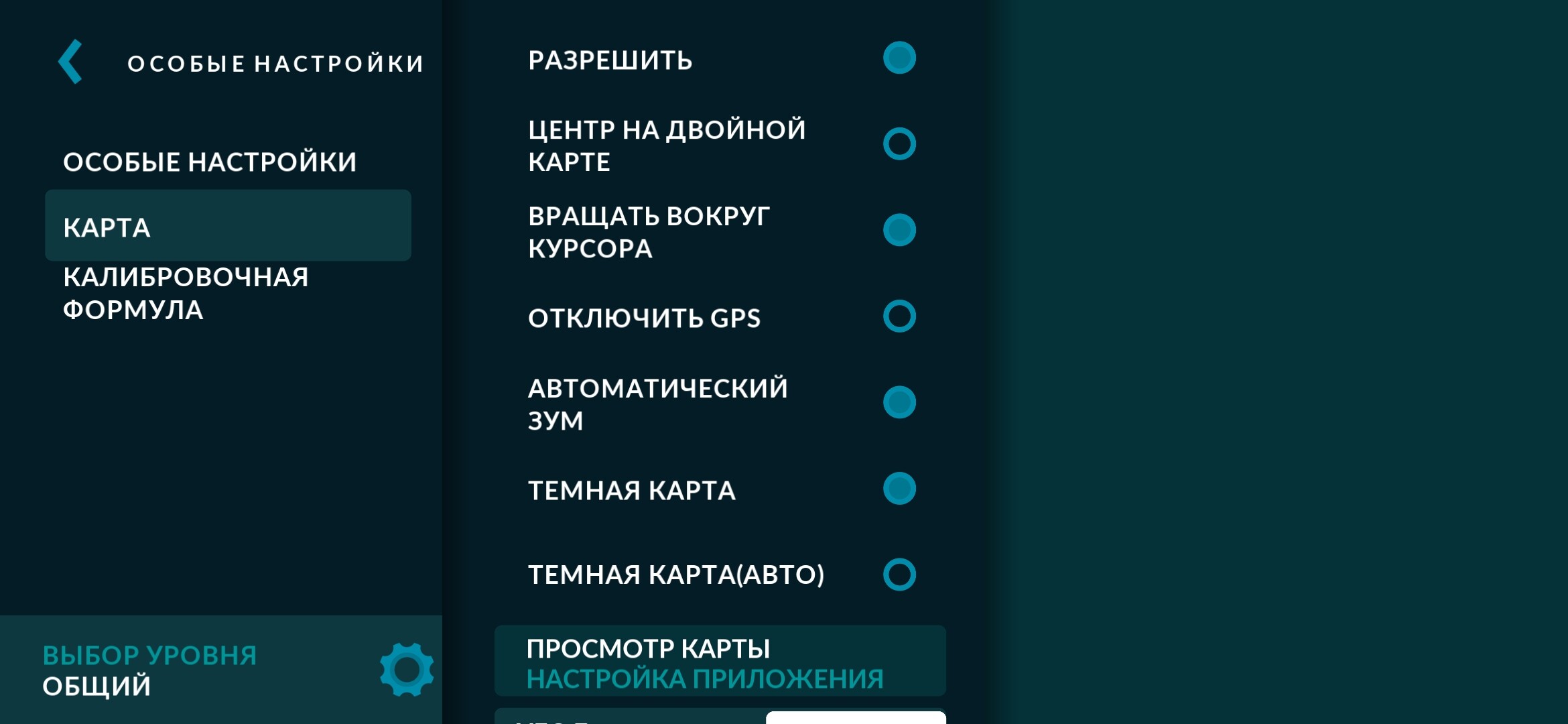
- Map has an 3D option.
- Android/Windows: GS-USB CAN support. Tested with Candlelight 2.5 firmware.
Fixes:
- Improved precision on performance measurements.
- Fixed occasional visual glitch on navigation line.
- Fixed a slowdown at app startup when a lot of map tiles are requested at the same time.
- More memory consumption is allowed with webp animation files.
- Music Player ‘Shuffle’ state is saved at app exit.
- Improved text rendering and text outline quality with SDF text rendering.
3D Maps
RealDash now offers a 3D map view with a tilted perspective, vector-rendered roads, and raised buildings where building data is available. The map automatically rotates to your heading in 3D mode, keeping the road ahead oriented in your direction of travel.
Select 2D or 3D in the Settings->Application->Navigation. Dashboard creators can also configure each map gauge to use 2D, use 3D, or follow the application navigation setting. By default, all Map Gauges use ‘Navigation Settings’. This allows old dashboards to show 3D map simply by switching into in navigation settings.
Map and navigation services now run on our own server infrastructure, giving us greater control over their development and future improvements. Entire world map data is updated automatically.
Navigation UI has some improvements and Geocoding better understands some partial results.
GS-USB CAN Support on Android and Windows
RealDash can now communicate directly with compatible GS-USB CAN adapters. This adds another option for connecting RealDash to a vehicle’s CAN bus without an intermediate serial connection.
We tested the implementation with CANable 2.5 Candlelight firmware. The firmware matters: an adapter running SLCAN firmware uses a different communication protocol and must be configured as an SLCAN connection instead. Installing Candlelight firmware is only appropriate for hardware explicitly supported by that firmware. Firmware information and supported hardware are available from the CANable 2.5 firmware project. Special thanks for @Oleksii for providing sample adapter for testing. See his CAN adapter project: AlekseyMamontov/USBCANFD_for_CANnectivity: USBCANFD adapter for CANnectivity
New Performance Measurements
Four new calculated inputs expand the available acceleration and braking measurements:
- 0–60 km/h and 0–200 km/h acceleration times.
- 100–0 km/h braking time.
- 0–100–0 km/h combined acceleration and braking time.
The measurement system has also been improved to better handle slower speed updates. Running timers update smoothly between incoming samples, while measurement accuracy still depends on the quality and update rate of the underlying data.
RealDashCAN Filter Configuration
A new RealDashCAN configuration frame allows compatible adapter firmware to receive CAN filtering settings from RealDash. Supported hardware can use these filters to forward only relevant CAN frames, reducing unnecessary traffic between the adapter and the application.