When I try to activate and change the CAN speed settings, in the garage settings it doesn’t work, but when I create actions with Run Terminal Command, with the commands it works normally, through the actions.
Don’t get it, sorry. You have to be very precise when describing issues like this. You the same English terms as in RealDash app and provide step-by-step instructions on how to reprodude the issue.
Okay, so let’s see if I can explain:
I can read data via CAN socket using a Raspberry Pi, but the CAN speed setting on the RD doesn’t work.
I can only change it manually by sending it through the Linux terminal. Example: “sudo ip link set can0 up type can bitrate 125000”.
I was able to send this same command through Action on the RD a few times, but I tested it again now and it doesn’t work.
Hello, I managed to reproduce it again:
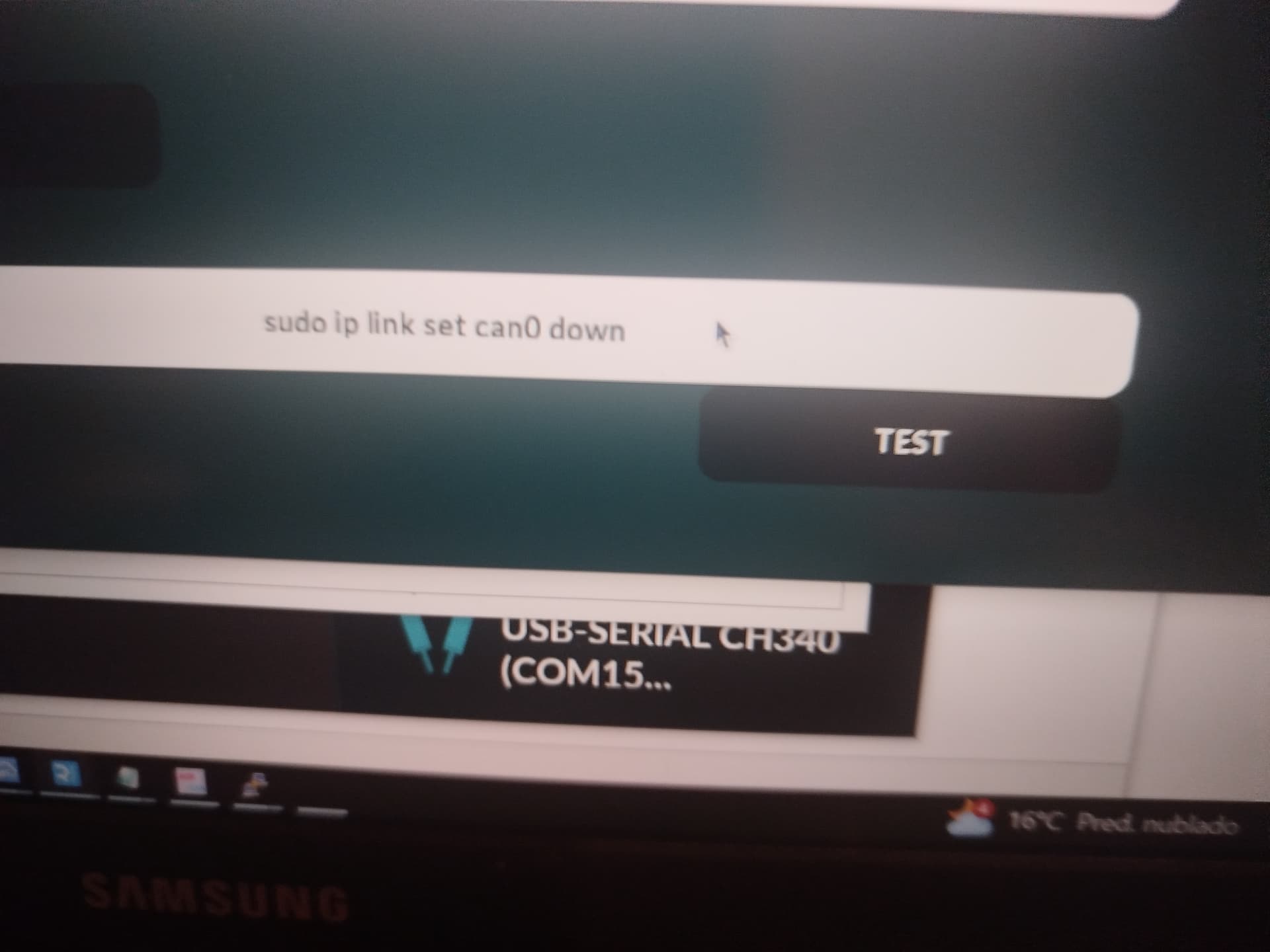
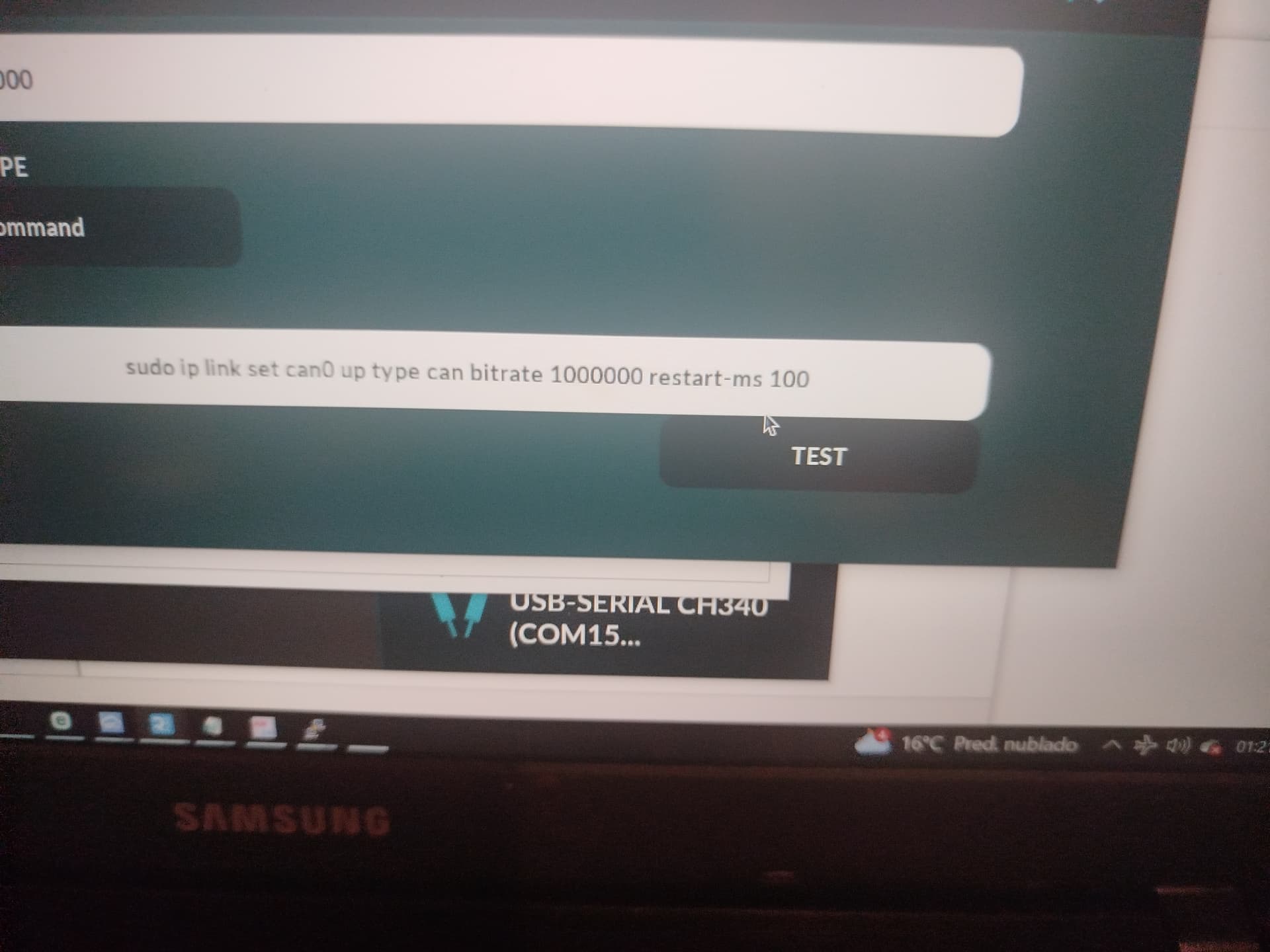
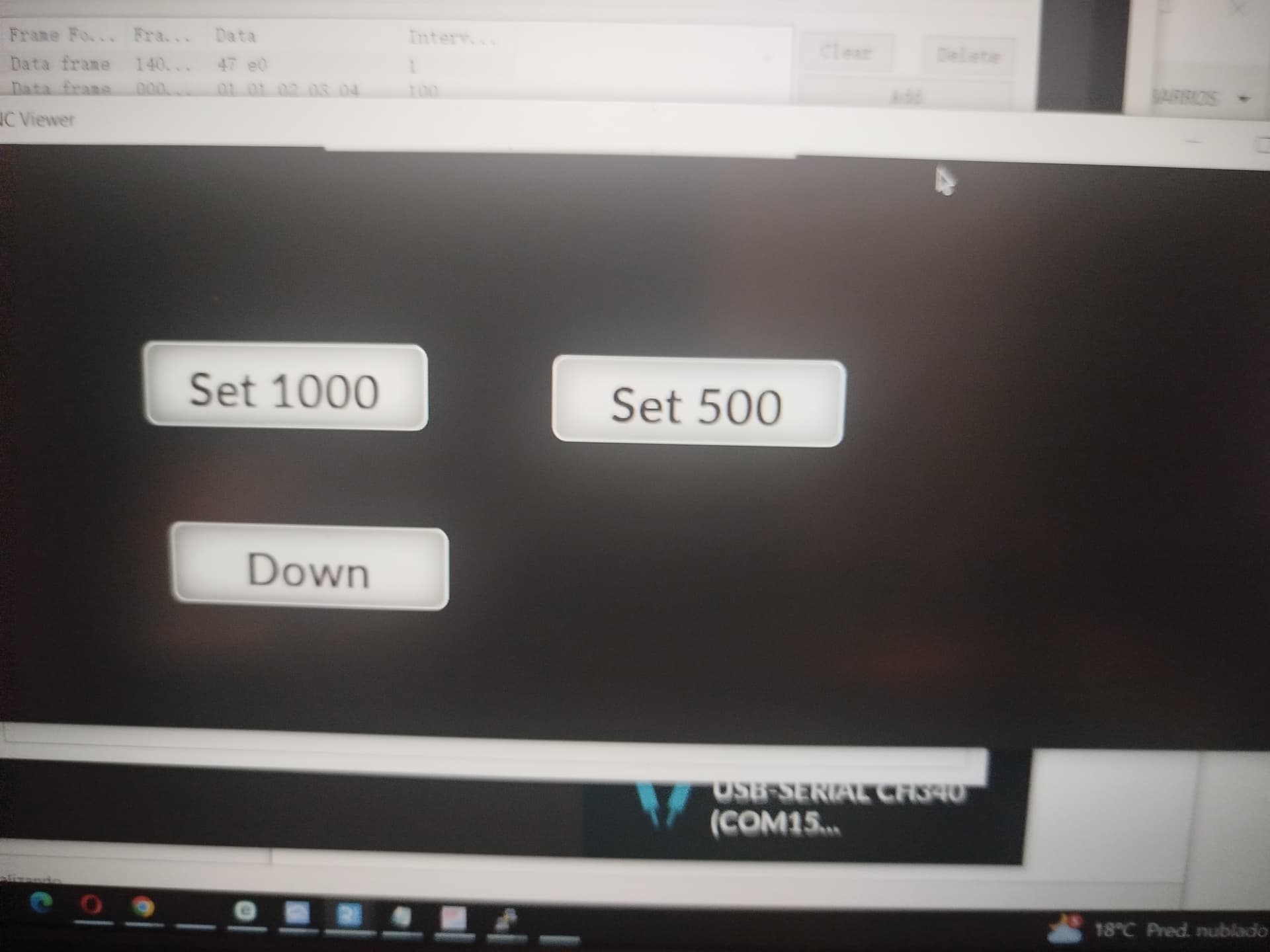
I f I made these buttons to change the CAN Speed, it works after pressing the Set button then the Down button:
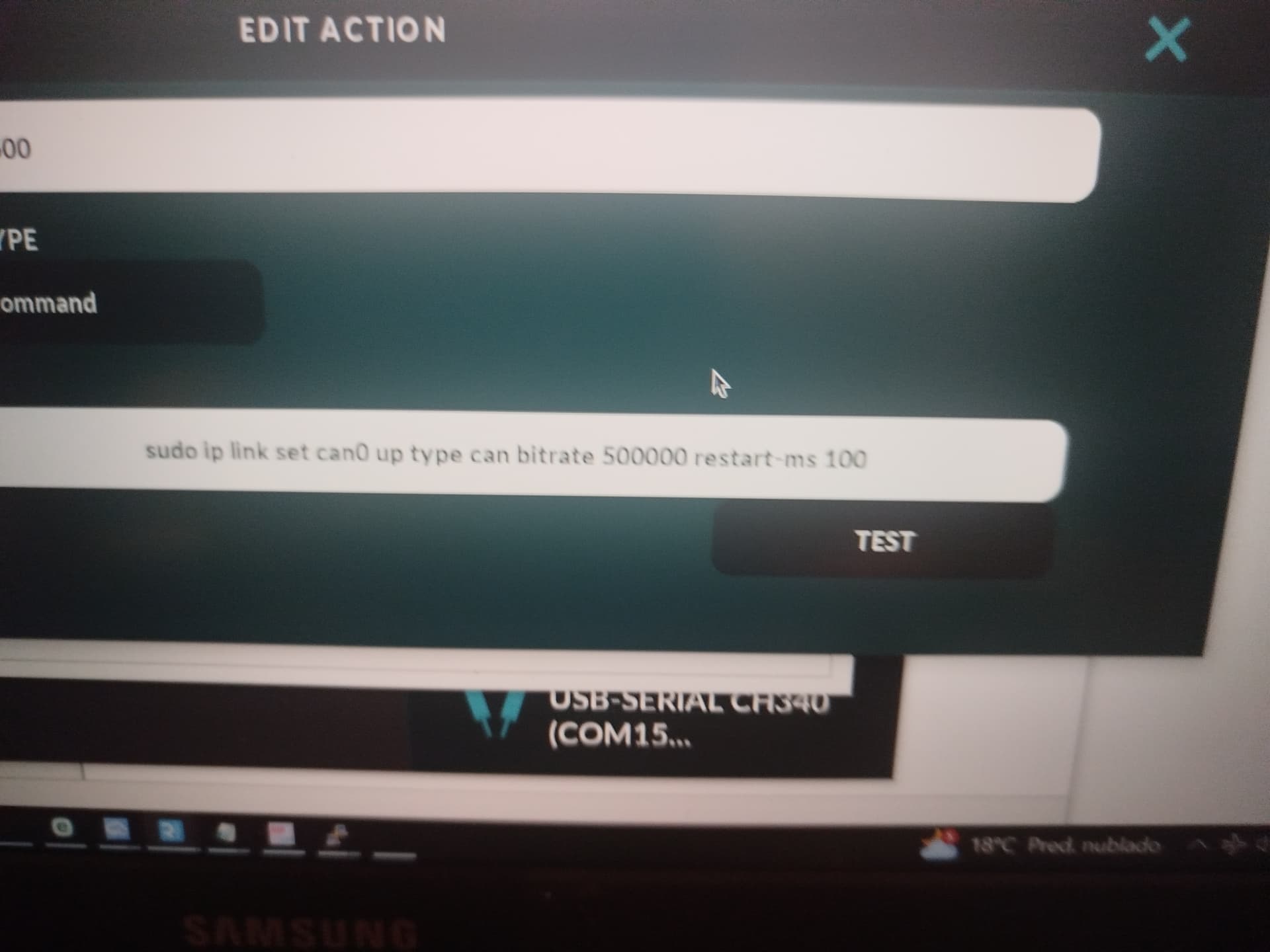
Sending via action vi Run Terminal command:
sudo ip link set can0 down
Then to change the CAN speed:
sudo ip link set can0 up type can bitrate 500000 restart-ms 100
This already works.
If you have a button with the command:
candump can0, RealDash gets stuck.
This configuration does not work:
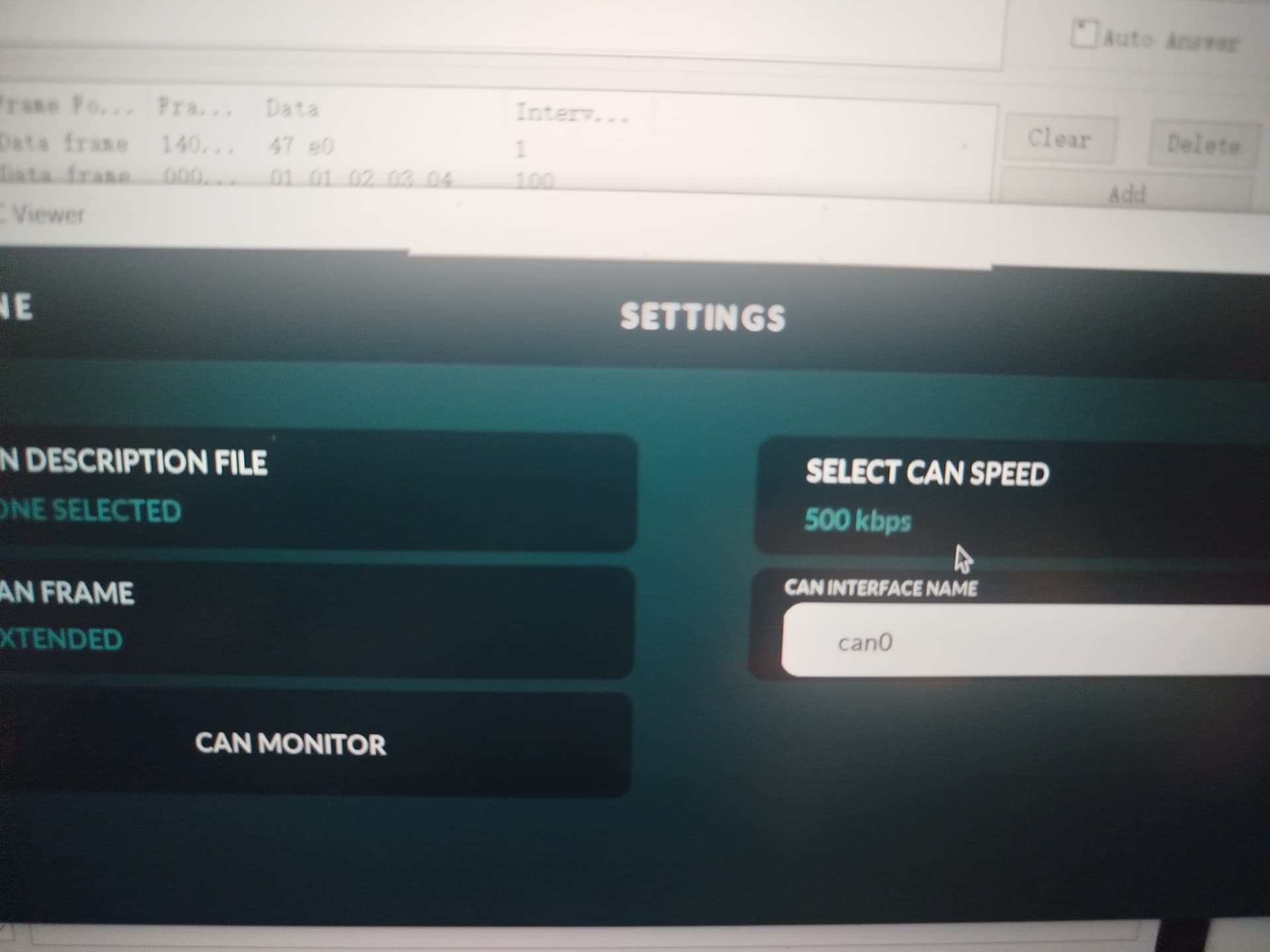
Tks
Thank you for experimenting with this. I will put this to todo list.
RealDash is using libsocketcan when socketcan connection is started. It simply calls:
can_set_bitrate

followed by:

can_do_restart
Would you be able to test the libsocketcan if more setup is needed for it to work?
1 Like
@realdashdev
Hello
I tested libsocketcan in two scenarios:
- With proper sequence:
can_do_stop()→can_set_bitrate()→can_set_restart_ms()→can_do_start()
→ bitrate is correctly applied. - Without calling
can_do_stop()(interface UP):
can_set_bitrate()returnsRTNETLINK: Device or resource busyand bitrate remains unchanged.
Thanks.
1 Like
Alright, I added can_do_stop on the sequence for the next release.
1 Like