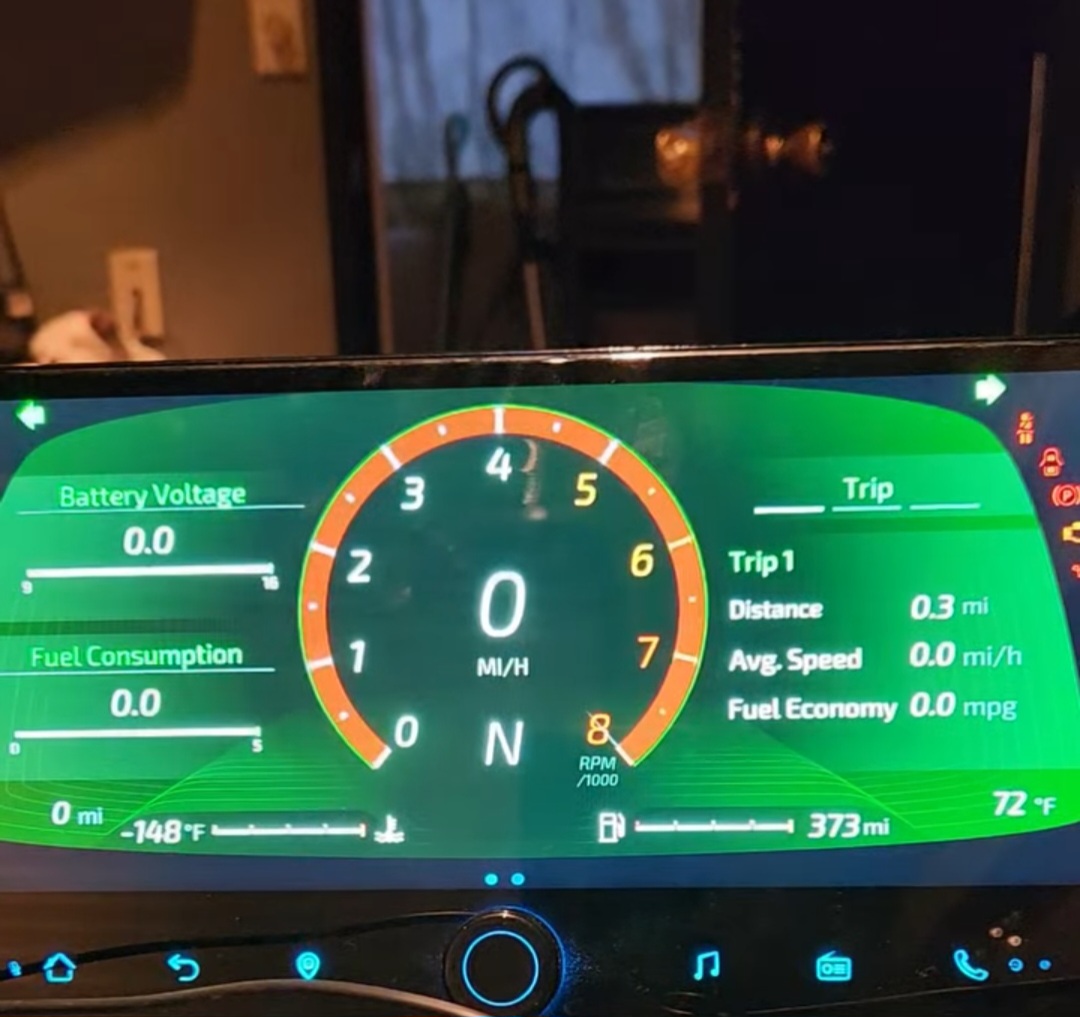
Good morning. It’s just a suggestion if it’s not possible to add an option to run this app as a launcher. After a year of trying to get the app to start with the car starting as default, to no avail. (Dynavin car radio). The Dynavin radio has a very limited android setup. If I wanted to run the application via Makrodroid, the rights enabled one day are disabled the next day. Macrodroid will not start. A lot of Auto Launcher App Managers are the same way. It’s a great program, but I’ve run out of options. For example, applications such as Car Launcher, CarWebGuru are launched after the car is started. I know that there are not many Dynavin owners.
It doesn’t look like I have the ability to create a new post so I’m replying to this one.
RealDash HAS to have the ability to be set as a Launcher in Android. The navigation work around is a complete hack and RealDash does not always load correctly. I run a premium dash but this dash is not going to go into service unless I know I don’t have to carry a wireless keyboard with me in case my dash disappears.
It looks like a developer replied to this thread, acknowledging the possibility, but AFAIK it hasn’t been implemented. I pay for premium and have downloaded the APK off the website but that version is not launcher-enabled.
Please make this happen or my unreliable dashboard is going in the trash and I’ll just go back to OEM.
Alright, there is a RealDash-v265-pr1-mrd-homeapp.apk in My RealDash downloads section.
We did not do much testing with this, but it does act as an Android home app. Anyone who finds this option useful, please report back in case of any issues.
Many thanks to the author. Modified home theme selection app works as intended. In the home screen selection, it appears in the list of available applications. Even after starting the radio, it will start. Cool. You just need to think about adding a button to the theme to return to the list of installed applications, for example. Which I created, but when I run the button with the link to the app’s package, it pops up in the bottom right “can’t launch this app Android 11 > Security”. I have to solve this somehow.
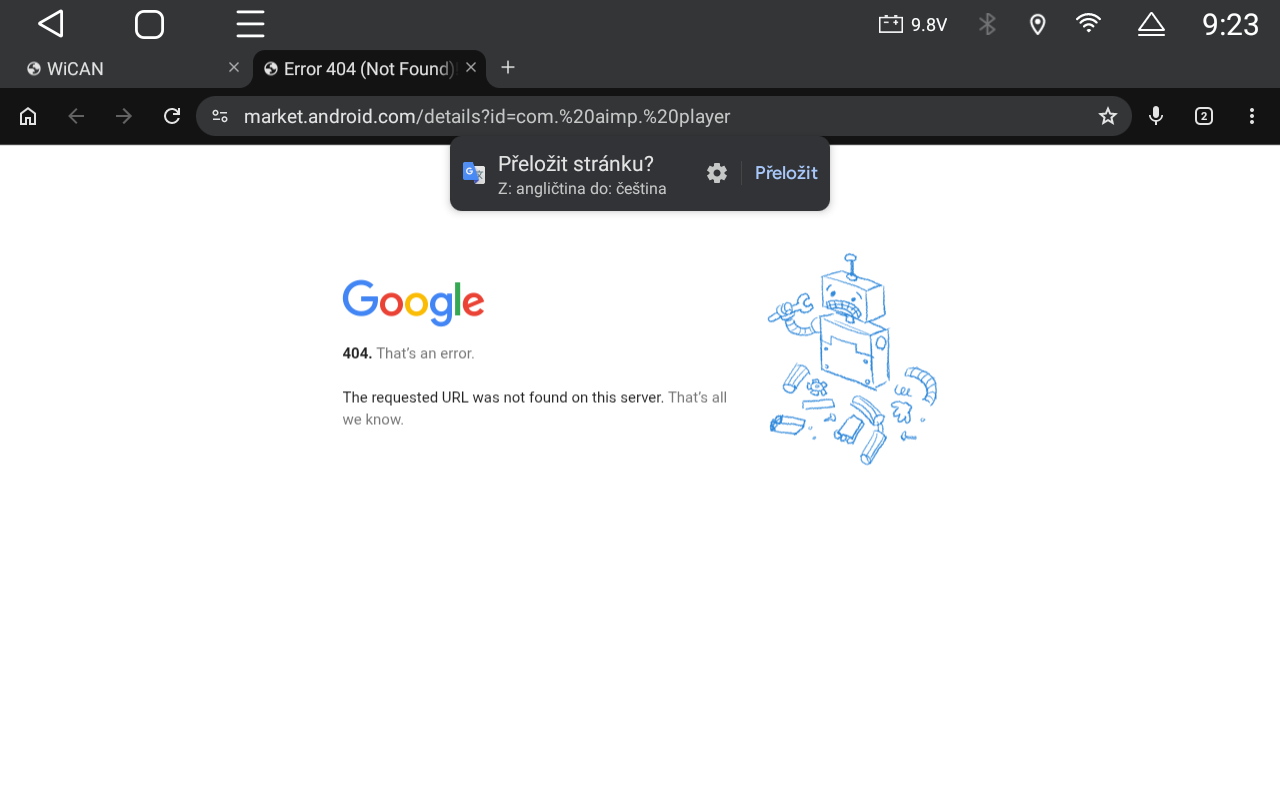
I have some knowledge about this problem. After creating a button with a link to, for example, AIMP player, it behaves differently on different versions of Android. It works on android 9, on android 11 it writes the mentioned message android 11 security, on android 13 it starts a web browser with a link to the address, see the attached image.
Just a confirmation that the launcher version worke great! This is installed on my 12.3" Joying radio (Android 12), and confirmed working on newest Android 13 Joying radios
I am making improvements to home app version and try to implement an app launcher for next release.
In current version, biggest issues seems to be that if you close RealDash with Android back button, it really closes- and being a home app, it just stays there as black screen. That will be fixed in next release.
This sounds like a really useful feature, especially for smoother startup on Android head units. Having RealDash launch automatically would improve usability a lot. Would be great to hear if anyone has tested this already!
This is working better for me although I’m still battling the Chinese edition of Android on my dash a bit. I’m not sure if this is related to your planned update but could you add the HOME category declaration to the manifest for the launcher edition of RealDash? This should enable setting RealDash as the home activity. For context, I’ve disabled the other built-in launchers that would spuriously appear, but now the Home icon does nothing (although RD is launching on reboot/power on).
Making major progress towards only RealDash launching on power on, appreciate it.
Yes, 3 posts up I mentioned that i have tested it on android 12 and android 13 based Joying radios.
By turning off the startup animation on RD it takes only 16 to 18 seconds to be up and running from deep sleep. From regular sleep state, it is nearly instant
This is MUCH faster and smoother than my previous setup which was using “Launch Navigation on start” and then set Navigation app as RealDash.
Doing it that old way, there was possibility for other apps to randomly interrupt the gauges if they opened. Radio app would do this often.