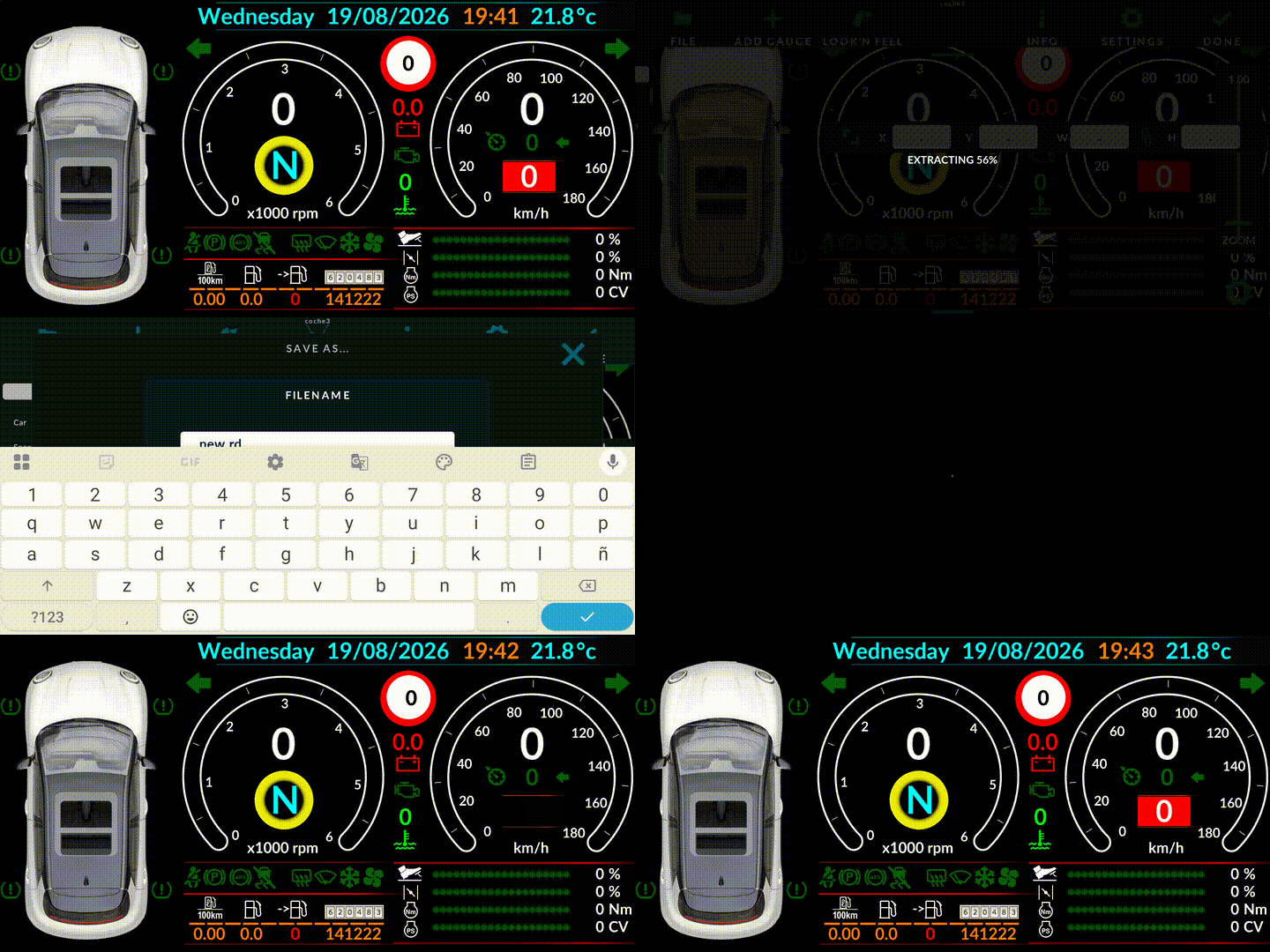
I can´t “Save as” a modified dashboard with a new name. This does not happen when I use the same dashboard name both by pressing the “DONE” button or “Save” option. If you need a more detailed description, please let me know which details you need.
In the following video I move the speed limit to the right and try to “Save as”:
Regarding the debug log, I have read the instructions in the link, but when I edit my dashboards I do it at home, and I am not connected to the can adapter: Do you think that is really needed?
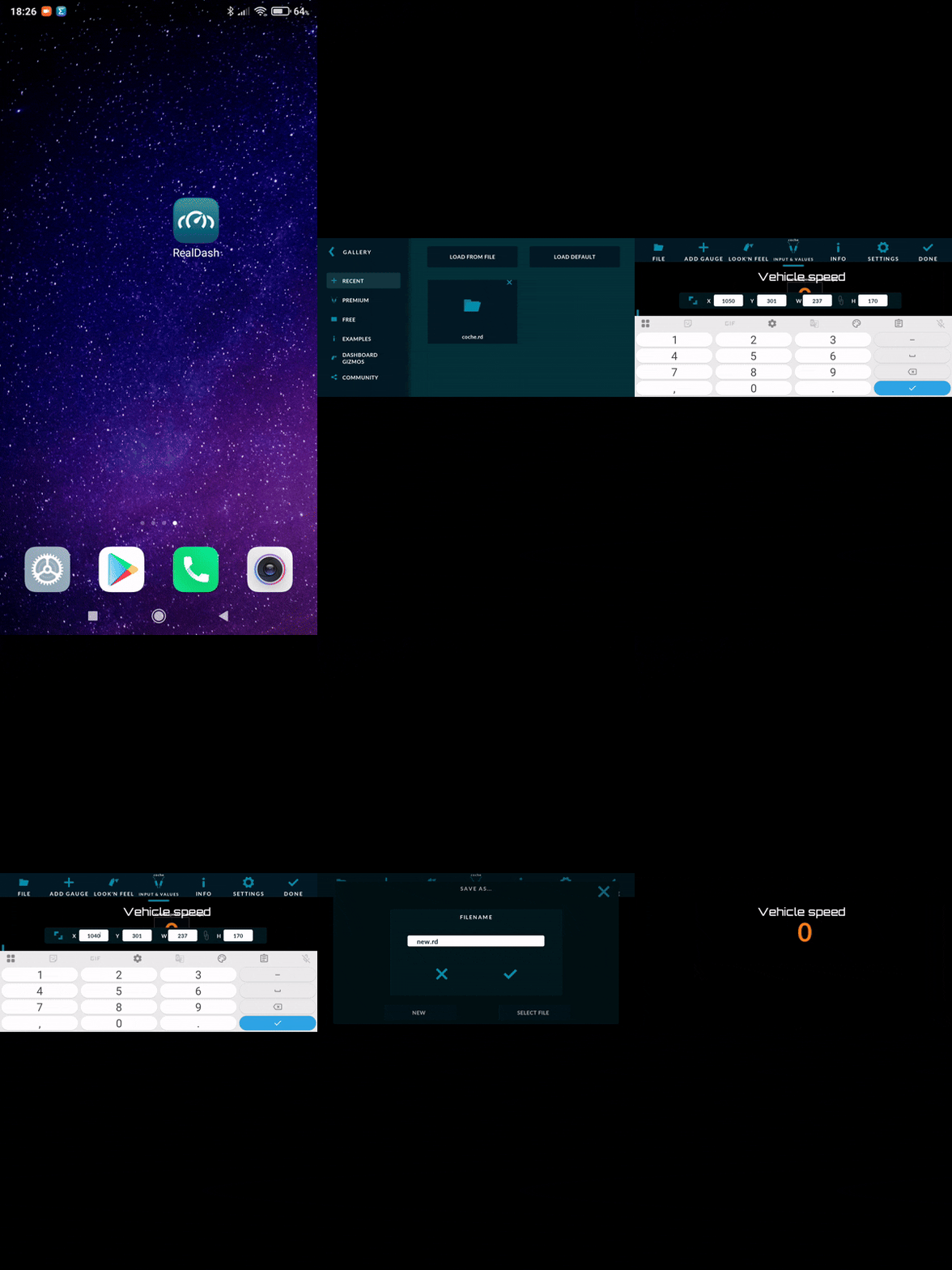
In order to simplify the problem as much as possible, I send you a new video of a dashboard with only one parameter (vehicle speed). I have also sent you an email with the debug log and XML file.
As you can see, when I modify the “X” coordinate of the speed, I can save the RD file with the same name (overwrite with DONE option), but when I modify the coordinate to the initial value and try to “Save as” the RD file with a different name, I get the message “Save file… Check file location”.