I have RealDash installed on my ATOTO S8 Gen 3 Android head unit, running Android 10. I have the app up and working, I’ve purchased the full version as well.
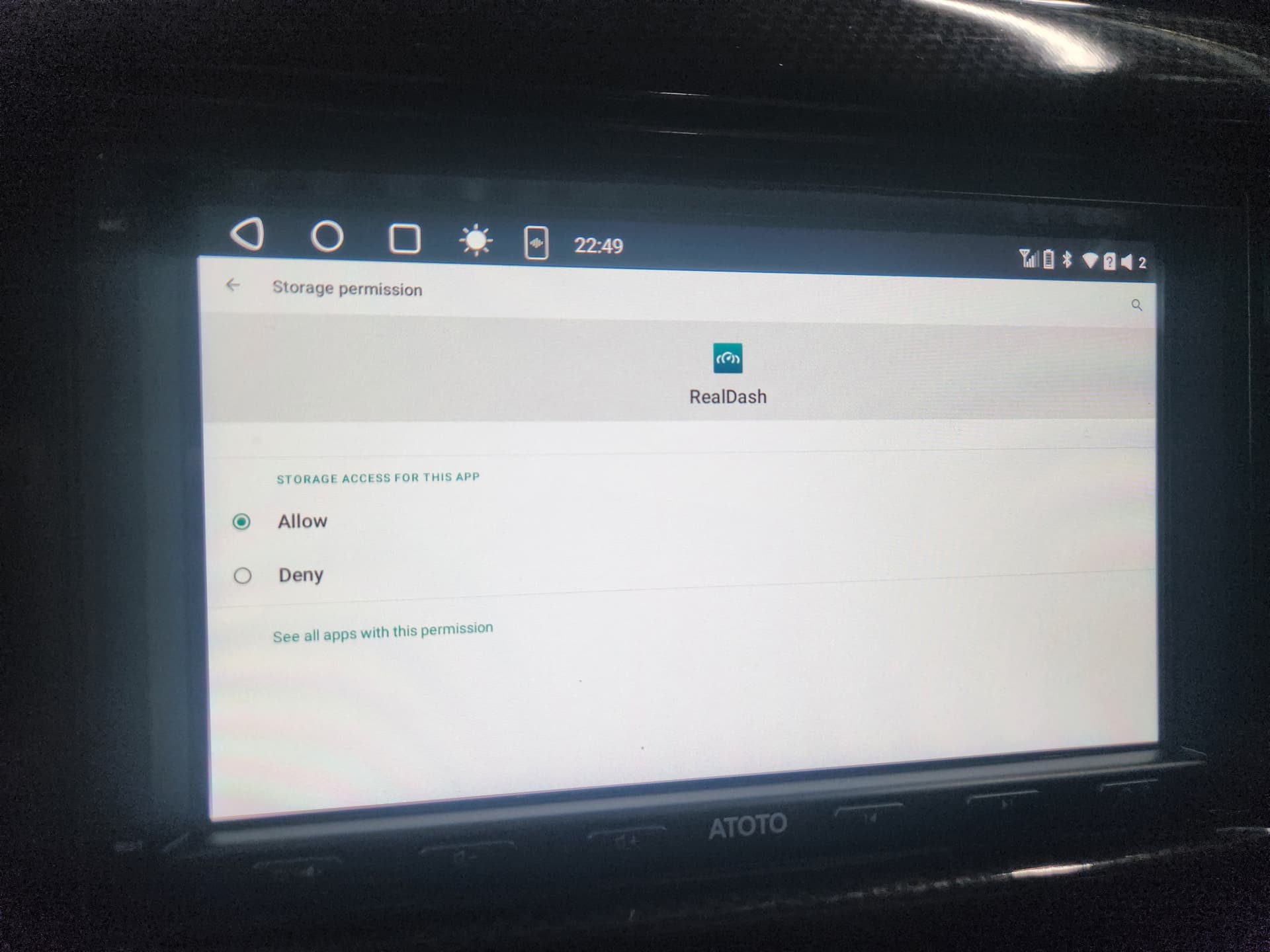
The problem I’m having is whenever I edit a dash layout and try to save it, I always get a message that says “Failed to save newdash.rd. Check the file location”. I’ve double checked that RealDash has storage access/modify permissions, and it does. I cannot find anywhere in the app that lets me choose a save location either.
I have tried reinstalling the app but the issue still persists. When I run RealDash on my phone with the latest version of Android, it can save layouts just fine. Same with the Windows version. Perhaps this is an issue with older android versions? Is there any way I can fix this?
To add to this, I’ve tried a few more things with no success.
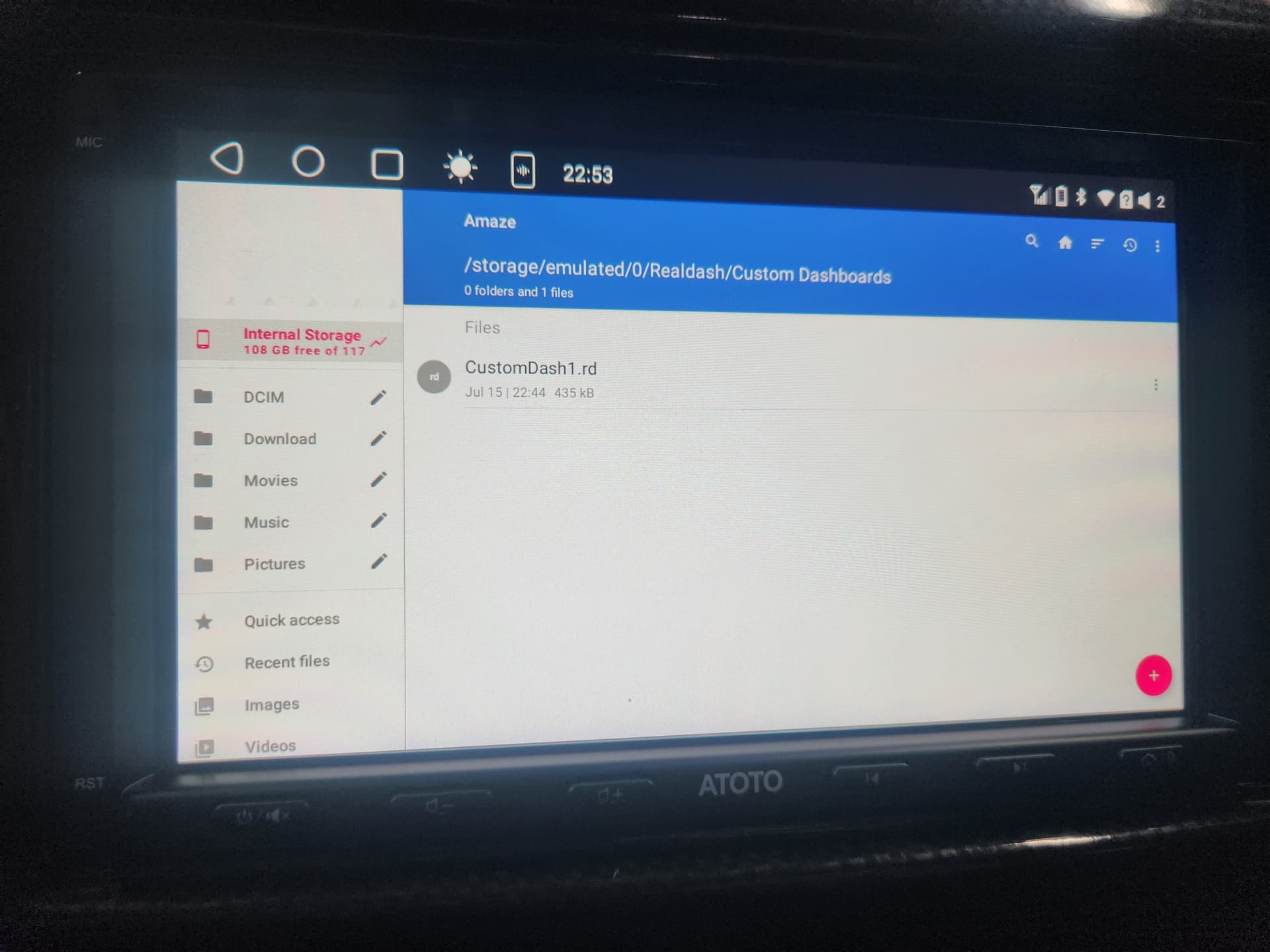
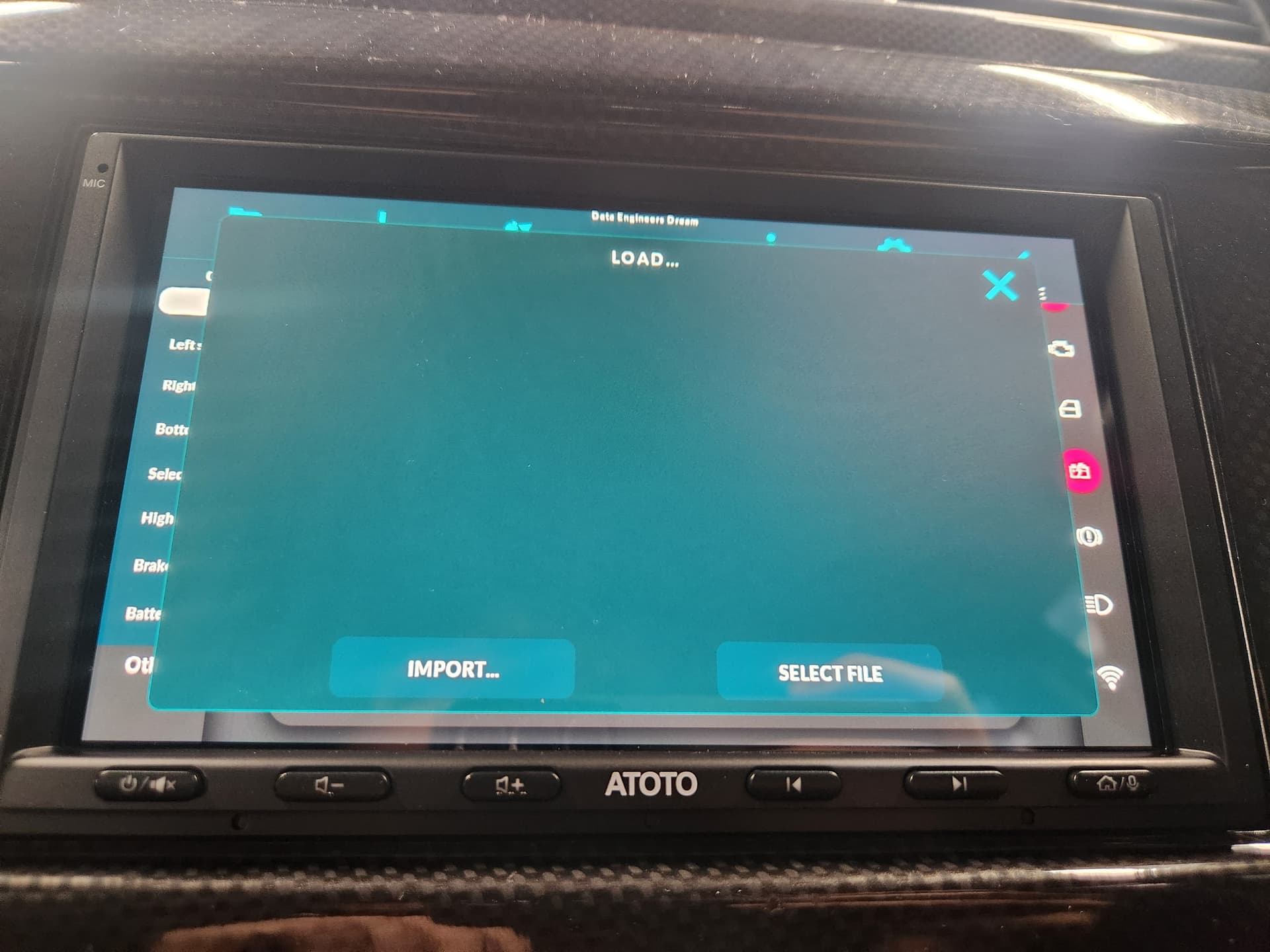
I tried making a custom dash layout on my phone and saving it as a .rd file. Then I moved it over to my android head unit’s storage and tried to import it. RealDash opens my file manager (Amaze) when I click import, but after I select the file it doesn’t load or show up at all.
@Zammin I am experiencing the exact same thing on my Atoto A6PF. Issue occured ~12/7/26. Did all the same troubleshooting steps as yourself + factory resetting the headunit. Sadly no success. It happened as soon as I updated the headunit firmware but I also would have updated Realdash at the same time.
If I have some time on the weekend, I might try rolling back the firmware to try and do something to help narrow down if it is an Atoto issue or RD issue.
everyone has a problem. This update 2.6.7 behaves like this on all devices. Don’t try to eliminate it, be patient. The developers will fix it in early August. They’re just on vacation and they probably don’t have time for the app right now. There are other human concerns and tasks besides support. So we’re waiting.
@CoTECH Oh here I was thinking I fried the file system on my Chinese headunit! I should have just checked the forums. Thanks for the heads up. I just paid for full version, so cheap when you consider how much utility you get out of RD.
Found this thread through google and wanted to confirm that 2.6.7 (or 2.6.8 on the site) is unable to create the folder under “android/data” hence not operating as is should due to missing data.
On every restart it starts like a brand new installation and import functions are NOT working as they should.
SOLUTION: for the other people who are looking on how to fix it - i have reverted my version back to 2.6.1 and it started working as it should.
I’m sure devs will be addressing this earliest however current solution is to use previous versions.
I have similar issues also. Recently bought a nice 12.3 ultrawide UIS7870 tablet with newer Android and have heaps of issues with opening and saving files for dash, Xml etc. My older unit had a menu option in the … settings to allow file explorer access but I don’t see that in the newer version.
I’ve been thinking the best option might be always use USB stick to open, import and save rather than the internal SD card but I have not had a chance to try it.
I had some success with exporting to My Realdash (Subscription) and Importing from there but that is also hit n miss.
Yes, there is an file access issue on the latest version of RealDash on Android. None of our test devices behave like this, but now that I’m back from vacation I will try to find some Android 10 devices to test on and verify. Obviously this issue will be fixed as soon as possible.
Looking forward to a fix. The only way I was able to get around this issue was to pay for a My Realdash subscription, edit the dash on my PC and download it to the ATOTO S8 from My Realdash. Same with XML files.
I’m little bit stuck troubleshooting this issue. We have now tested on literally dozens of Android tablets and phones, on varying Android versions from 8 to 16. Also on Android radios that we have in active use, from Joying and Ainavi. And still, I’m unable to reproduce the issue of importing/saving files from the app.
Anyone with this filesystem issue, could you specify the device model, Android version and maybe a video clip of this issue happening to get clear understanding of the issue.
Good afternoon, this problem of no longer recognizing files in the control units is due to changing the napcon folder from the Android root to the documents folder. After that, these problems started. When downloading the Realdash app, the napcon folder would appear in the Android root, and inside it the Realdash folder with its respective folders, decfile, and others. After this change to the Documents folder, these problems started happening.
I think I finally found this issue. If able, please try RealDash-v268-pr3 APK from My RealDash downloads and report back if that fixes the file access issue.
Is “RealDash-v268-pr3 APK” identical to the “RealDash v268” from Google Play? If so, I still can´t “Save as” a modified dashboard with a new name. This does not happen when I use the same dashboard name both by pressing the “DONE” button or “Save” option. I am using a Xiaomi Mix 2S running MIUI Global 12.0.3 (Android 10 QKQ1.190828.002). When I use the Xiaomi File Explorer to explore the “Android → Data” folder, I get a message telling me that I will not be able to access to that folder because of the restrictions introduced by Android R, and that I must delete my personal files in that folder ASAP.
Ok, thanks. Can you please provide me download links to previous versions (before 2.6.7)? I don:t know how to solve this problem other than a downgrade as Spawn did.
Perhaps a silly question: Why does “Save” works and “Save as” doesn’t work after modifying a dashboard?