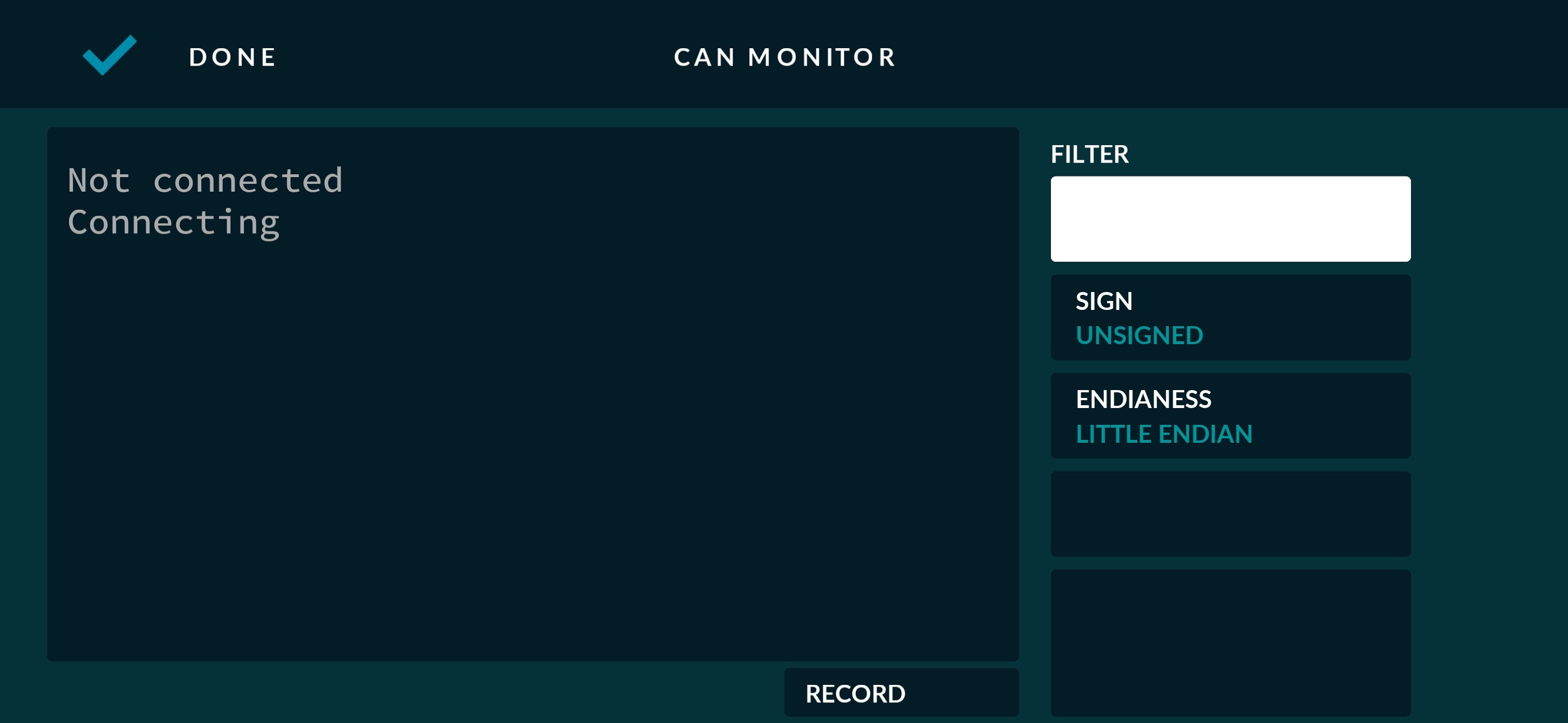
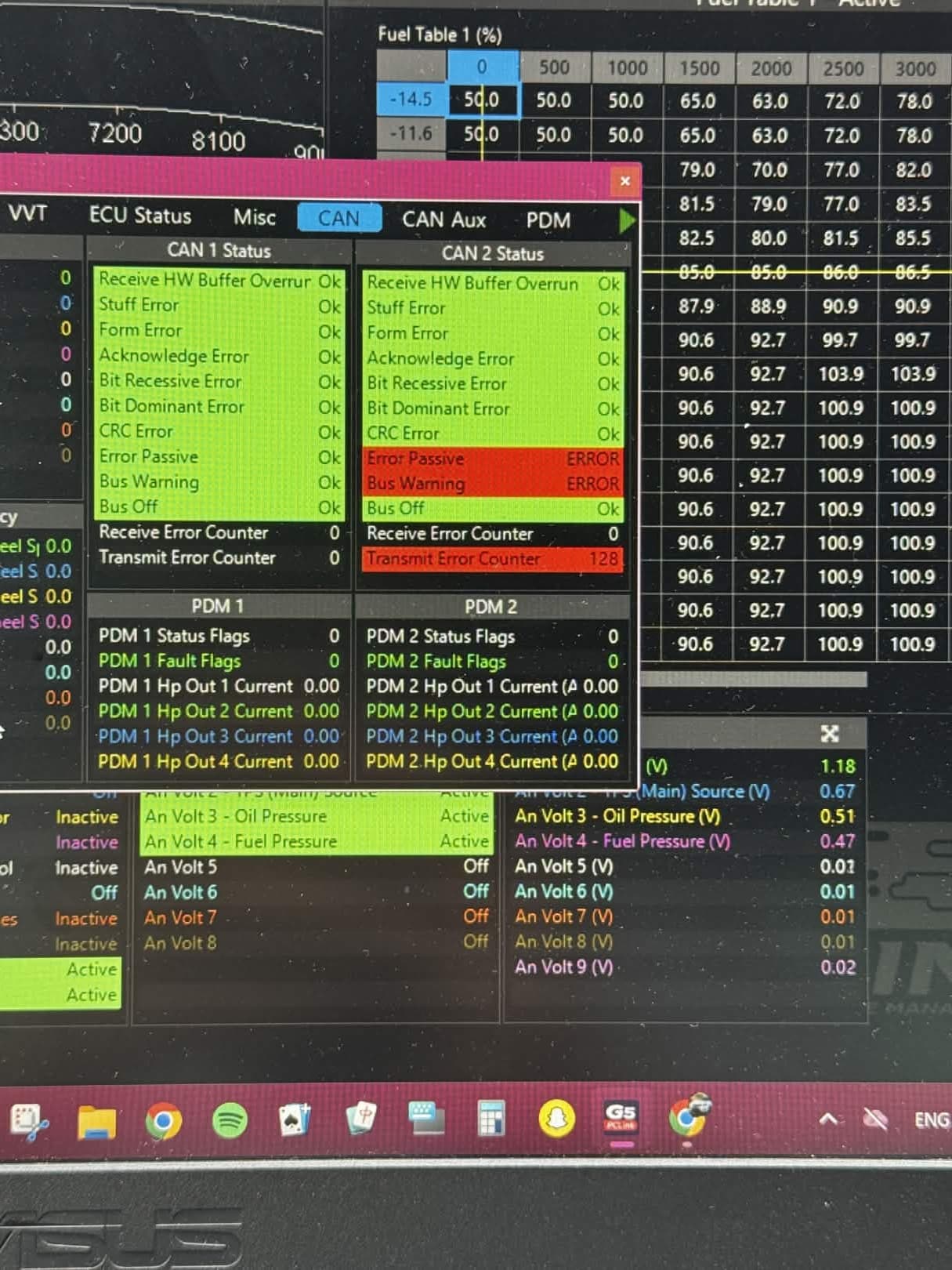
Hey Guys, Ive tried everything from bluetooth, wifi and USB none will connect to realdash.
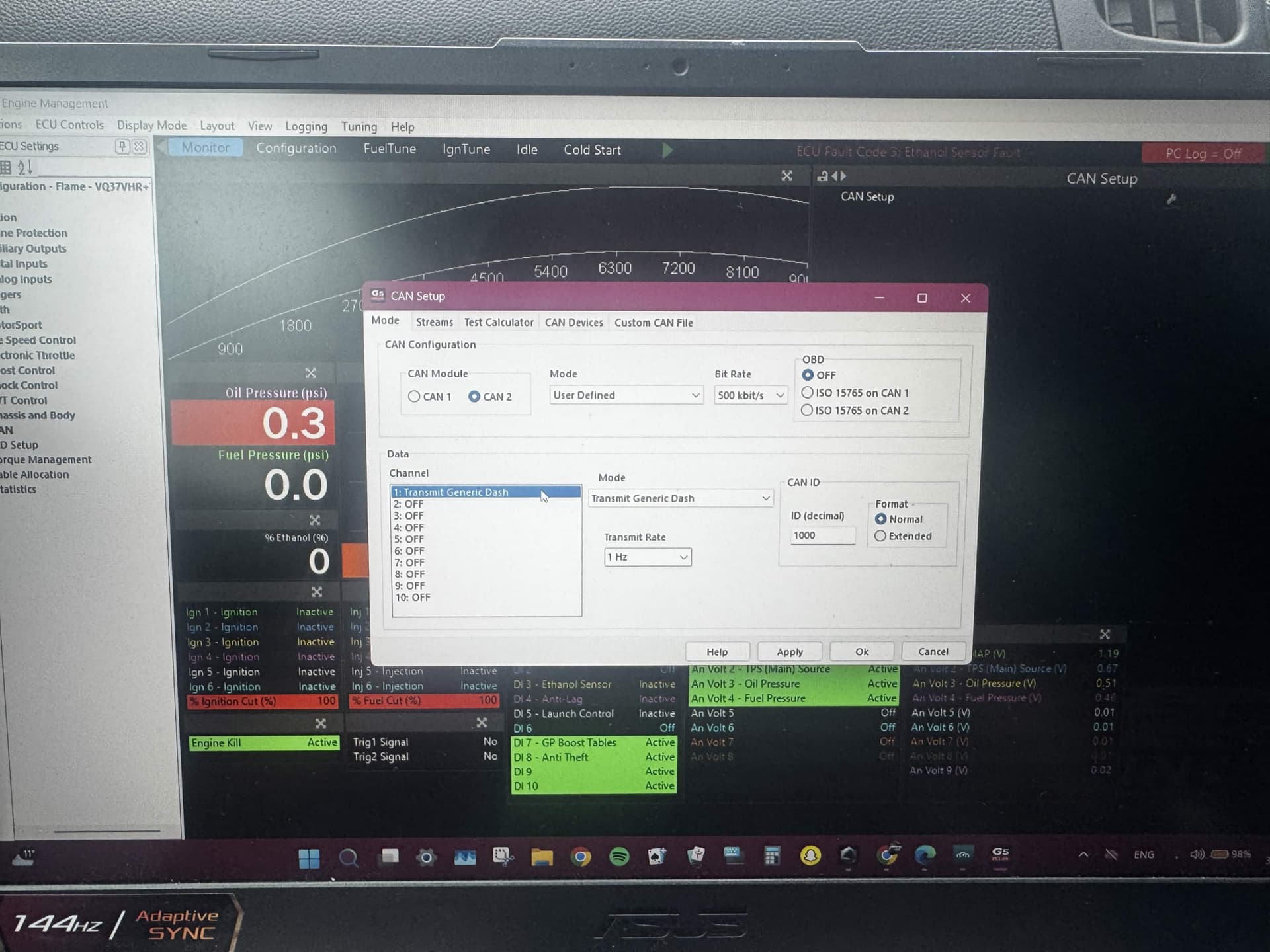
My Link ECU is setup to output CAN data and meatpi is connected however it just wont connect to realdash
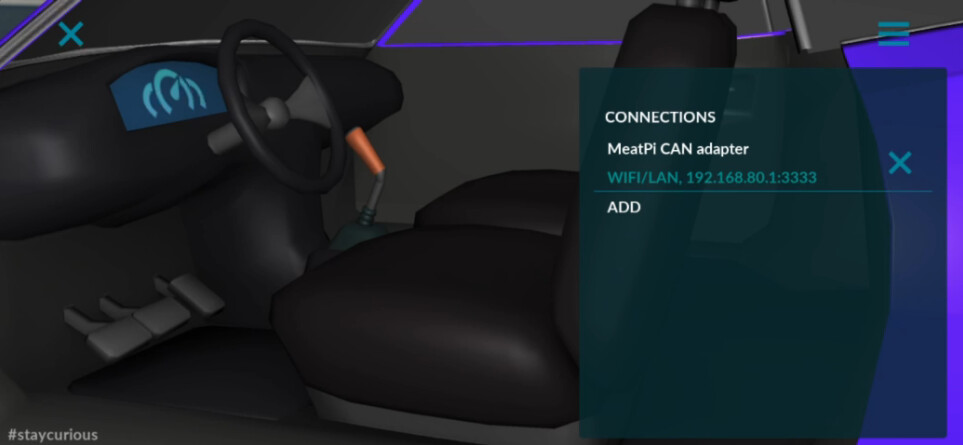
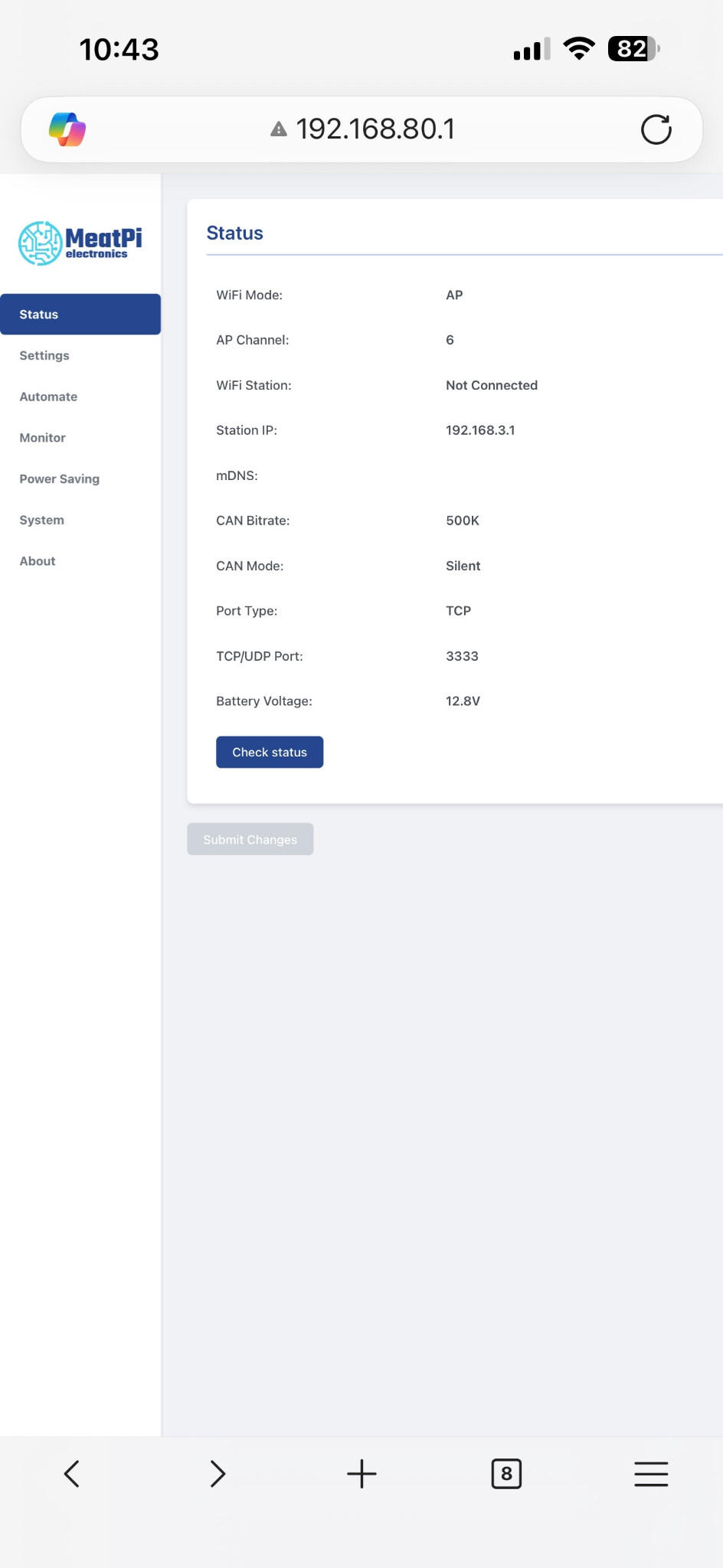
Ive set it up over WiFi to use 192.168.80.1 and the port as 3333 which is how it shows on the config page, when I connect my phone to the wican network and try realdash it just sits on connecting and loops there. Same with bluetooth and USB.
Am i missing something stupidly obvious? Ive spent a few hours trying to sort this.
Can mode was set to silent by accident but I changed that and still having the same issues
Welcome aboard James!
I will take a stab at your problem but I don’t quite understand what you’ve got as far as hardware goes.
You should have something like…
LINK ECU → CAN0 → RealDash
Does the Link ECU transmit wirelessly? Either Bluetooth or WiFi?
Do you have your Link installed on the Vehicle HS-CAN? or is it separate?
The MeatPi adapter comes on two variants (possibly more) but basically one is a two wire to Bluetooth or WiFi and the other is OBD2 to WiFi or Bluetooth.
What kind of hardware are you trying to use as a dash?
If you can clarify your setup, it will make it easier to move to a solution.
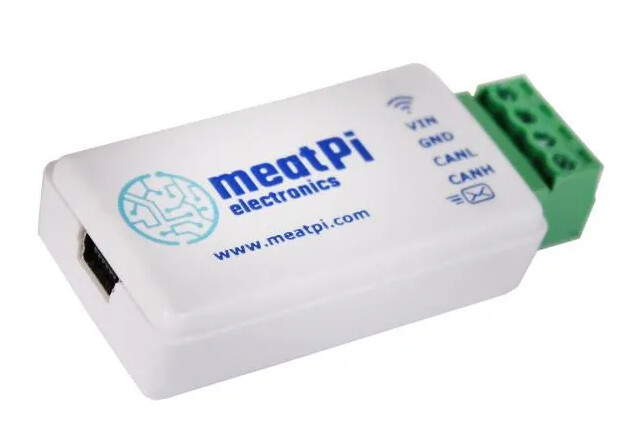
Thanks for the response.I am using a WiCan USB the one below.
Ive ran the CAN H and L wires to the meat pi, the Link doesnt transmit wirelessly as far as im aware.
The ECU is wired in piggyback with the factory ecu so doesn’t have talk to the factory can bus system
Basically im wanting to run the wican wirelessly if possible to my phone to use as gauges for Oil temp oil pressure and so on
How I have it setup is Link ecu > CAN H/L into Wican > Realdash.
I tried connecting all 3 ways possible and I just get stuck at it connecting on realdash
So, the RealDash is going to be on Android, correct?
Have you terminated the CAN on both ends with 120Ω resistors?
Also, have you verified the voltage on your CAN?
This is a good source of information if you need a dependable reference:
Also, make sure that you don’t have to enable the CAN stream on the LINK. I have an ECUMASTERS EMU PRO 8 and I had to enable broadcast frames and specify a CAN template otherwise, all I could see in the terminal on RealDash was the heartbeat CAN frame from the EMU.
Other than that, do you know how to configure the wireless adapter on your laptop?
You could download SavvyCan and attempt to connect to the MeatPi that way if you still have trouble.
The way I have my MeatPi WiCAN setup:
On MeatPi,Set Protocol to “realdash66”
On Realdash app, Don’t use MeatPi CAN adapter as the source. Instead go to “Adapters > RealDash CAN”
I ran into the same issue you are having, I just assumed that clicking on the adapter name would be the correct way to do it. After reading the manual which I should have probably done in the first place I found the way of doing it.
If you don’t get any readings, make sure you add a resistor regardless of the length of your wires. My MoTeC ECU manual said that I didn’t need a resistor for less than 2M wire, after buying 4 different CAN adapters I found out that the issue was the lack of a resistor.
2 Likes
This is interesting, as MeatPi option is basically just an alias to the RealDash CAN; they should work exactly the same.
As discussed earlier, I tried couple of MeatPi adapters and could not make them connect to CAN bus either. They just send nothing to RealDash and RD timeouts and reconnects.
Realdash is going on IOS, hopefully htas not an issue?
The Link ECU apparently has a resistor on the board as it uses the internal CAN, I have a resistor on the end near the meatpi too.
Ive setup the CAN like a few others have and still have no luck getting it to connect. Not sure its going to work I guess.
@realdashdev Both Real DashCAN and MeatPi CAN adapter work no for me with no issues.
@Jamesb013 SInce you are piggybacking off the oem ECU, you need to verify termination with a multimeter.
I’ve had a WiCAN USB tapped into my OEM CAN bus for over a year using wifi with no issue. I am probably on an older firmware than you in case anything has changed though.
Hey Joe, Thanks for the reply.
No can feeds into the link from the factory ecu, 90% of things are controlled by the link ecu apart from VVEL and throttle bodies. I just wanted to use this to monitor lambda and a few other things however its just not working out as easy as I had expected…
Ive checked ohms across the can bus from link to the meatpi and it sits at 60 with the car off.
When running I checked voltage and we see 1.3 on Can L and 2.3ish on Can H which from what I understand is correct. the Meat Pi is wired directly to the cig lighter so its sitting at 11.7 Volts with out the engine running
Im at a bit of a loss as im unsure what im doing wrong, I tried changing the bit rate on the meatpi and realdash from 500 to 1mb to see if that made any difference however same situation.
I also tried using MeatPI option and Realdash Can options without any luck
Does anything happen with the MeatPi indicator lights when you power it on?
Regarding the voltage, it’s impossible to get accurate voltages with a multimeter while communication is occuring, but 2.3V on the CAN H side is lower than the idle voltage. If it voltage truly is dropping that low, that would indicate possible uneven bus termination, bad ground reference, or something else.
The only difference I have with my MeatPi is I’m not using the CAN mode “silent”, but I also use for for UDS requests which require message transmission.
Ive just spent the last couple hours working with someone and changed the firmware to the same version as his 4.13 and it started working right after downgrading to same version as the guy
I think I was on 4.2 before so I guess firmware was the cause of all this
I had an issue a long time ago where leaving it connected to a voltage source for a really long time (or the voltage dropping really low) caused the device to not wake up. I had to manually reset it with the pins, which you do when flashing new firmware. Maybe it was just a wake up issue.
But glad to hear!