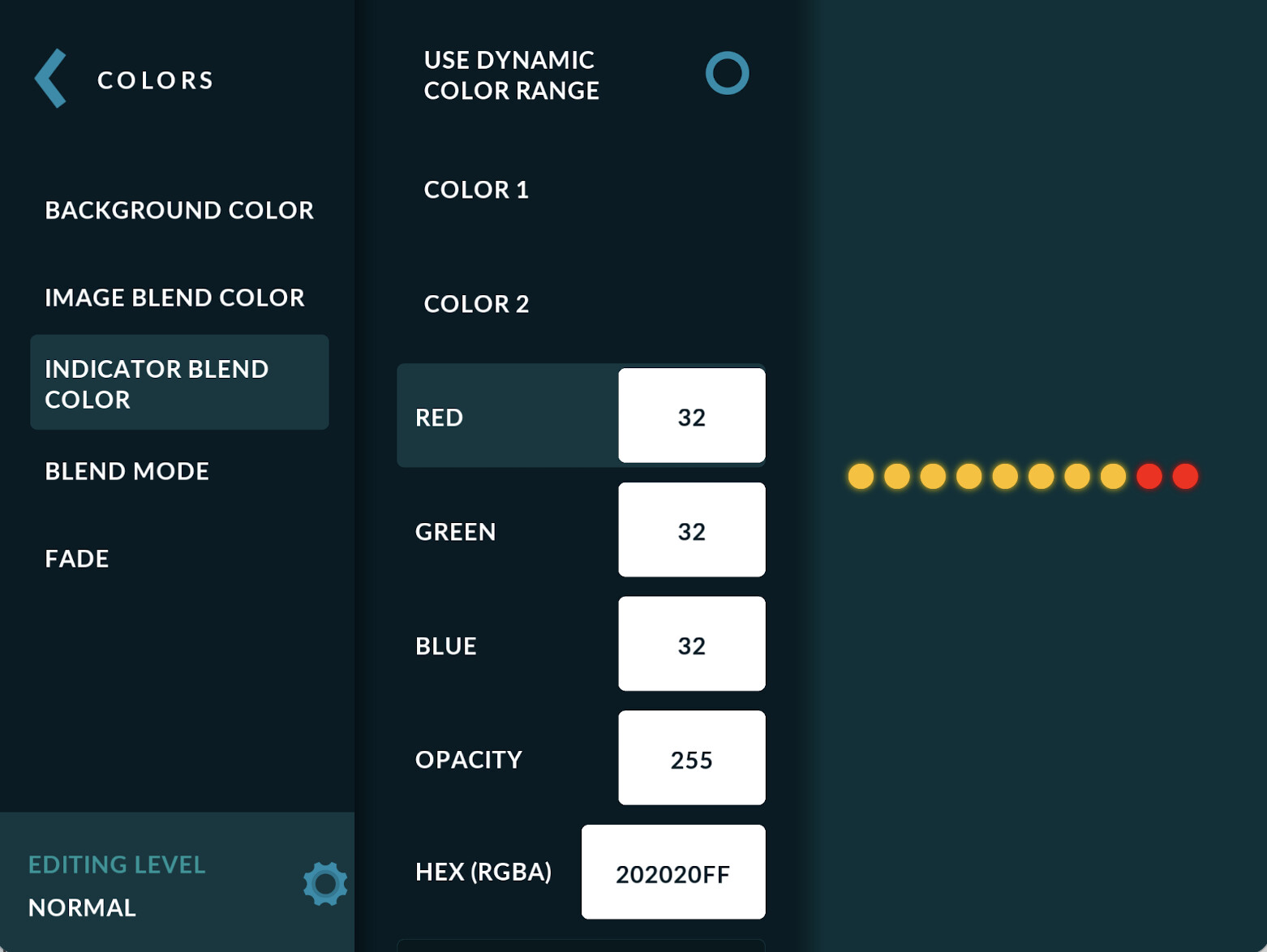
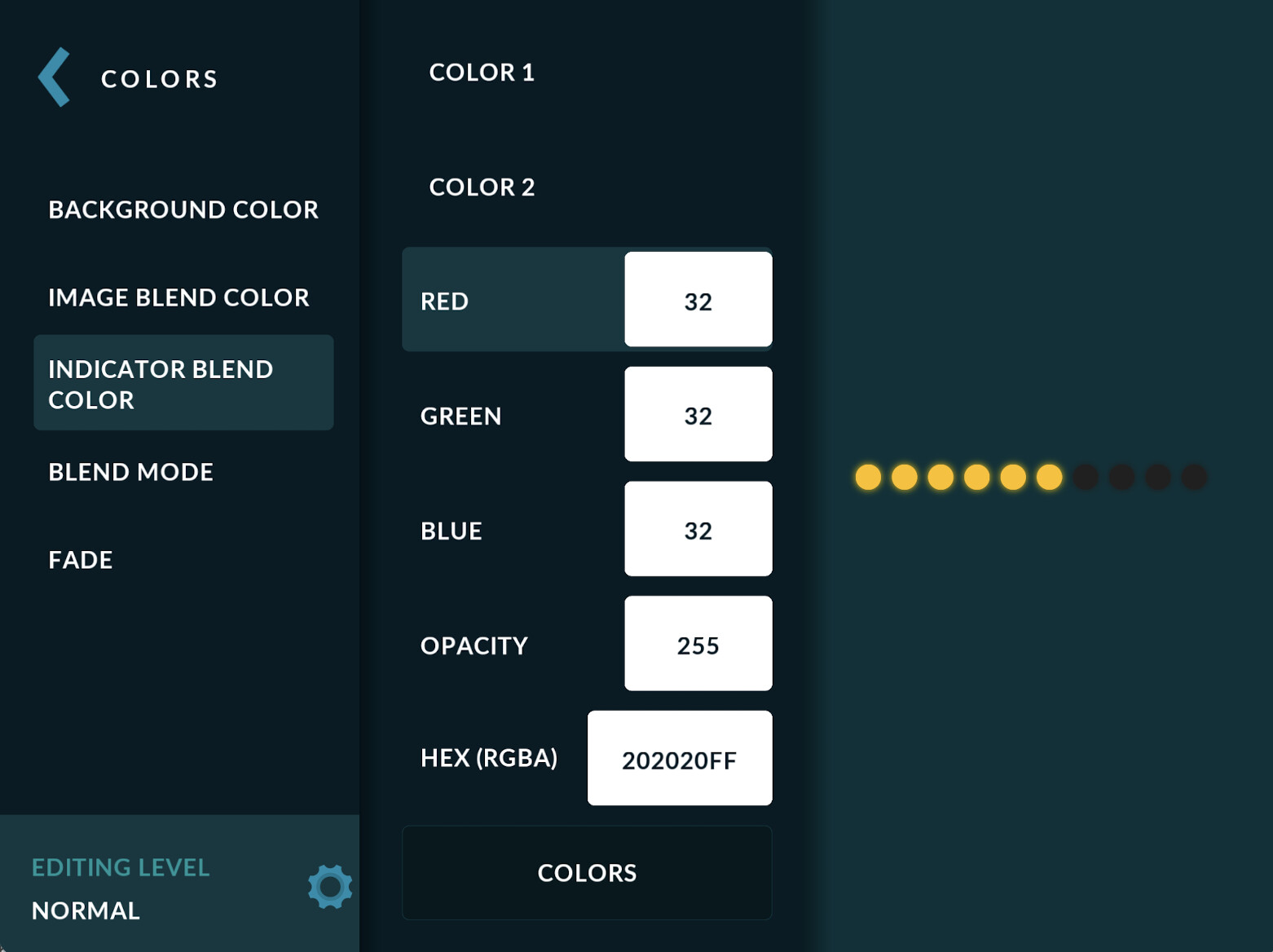
I was exploring the CLUSTER GAUGE. I change the default image to a white round png. Looks great. I selected data source: RPM. The colour on the dots become yellow but will change to RED after 6500 as what is set in INPUT & VALUES.
Now the issue is I want to change those yellow and red colours into another colour. I tried the look & feel and tried manipulating the colour settings like BG COLOUR, IMAGE BLEND COLOUR, and so on.
The only thing I manage to chg is the INDICATOR COLOUR which turns the white colour I imported into any colour I select, and it turns out to be the BACKFGROUND COLOUR on the indicator as the yellow and red flashes on top of it. But the main yellow and red, dosnt change. Is there a way to do this? I want it to be YELLOW when normal, ORANGE when warning, and RED when critical.
Some problems faced. When I select NORMAL and select colour, it changes the background colour of the dots. So I set warning as orange and critical as red. Seem like NORMAL becomes the background colour instead of part of the indicator lighting as it progresses under RPM. Hopw do I resolve this so that under NORMAL, it bright yellow. Warning is ORANGE, Critical is RED?
Attached are screenshots to explain the design. Its strange how the INDICATOR BLEND COLOUR behaves in this case…
I did some testing on this, and while it does not seem 100% logical, it is working as intented.
As normal-warning-critical system can only present 3 colors, normal level is reserved for indicators when they are ‘off’. That leaves only 2 separate colors with warning and critical levels.
If you want to use 3 or more colors, currently only option would be to use multiple image cluster gauges ans set them up in a way that next continues where previous pegs.
After wahcing many race cars with such clusters I think I understand what you mean. Normal rpm range it’s just off..only with close to max rpm it gives a warning light and so on.
As far as this kinda cluster is concerned it is logical. I was trying to use it for RPM, I’ll find another way. Thks again.