Gauge color slider setting transfers in copy-paste.
‘Bring to Front’ and ‘Send Back’ now works with gauges in container.
Improved reliability of music info from external music players.
Fixed crash when changing font on autoscaling gauges.
Autoscale segment images now respect the mask.
OBDLink CAN Adapter 29bit ID:s now work.
Android: Minimum API level increased to 21.
Android: Restored bind to wifi when using WiFi OBD2 adapters.
OSX: Fixed paste adding character ‘v’ into pasted text.
OSX: Fixed UTF8 file paths.
MRD: Option to add vehicle service entries (will be live on next few days)
NOTES
Mostly a bug fix/maintenance release.
The minimum Android API level has been increase to 21 (Android 5), so Android 4.x devices are no longer supported. This change was forced by Google, so there is nothing we can do about it.
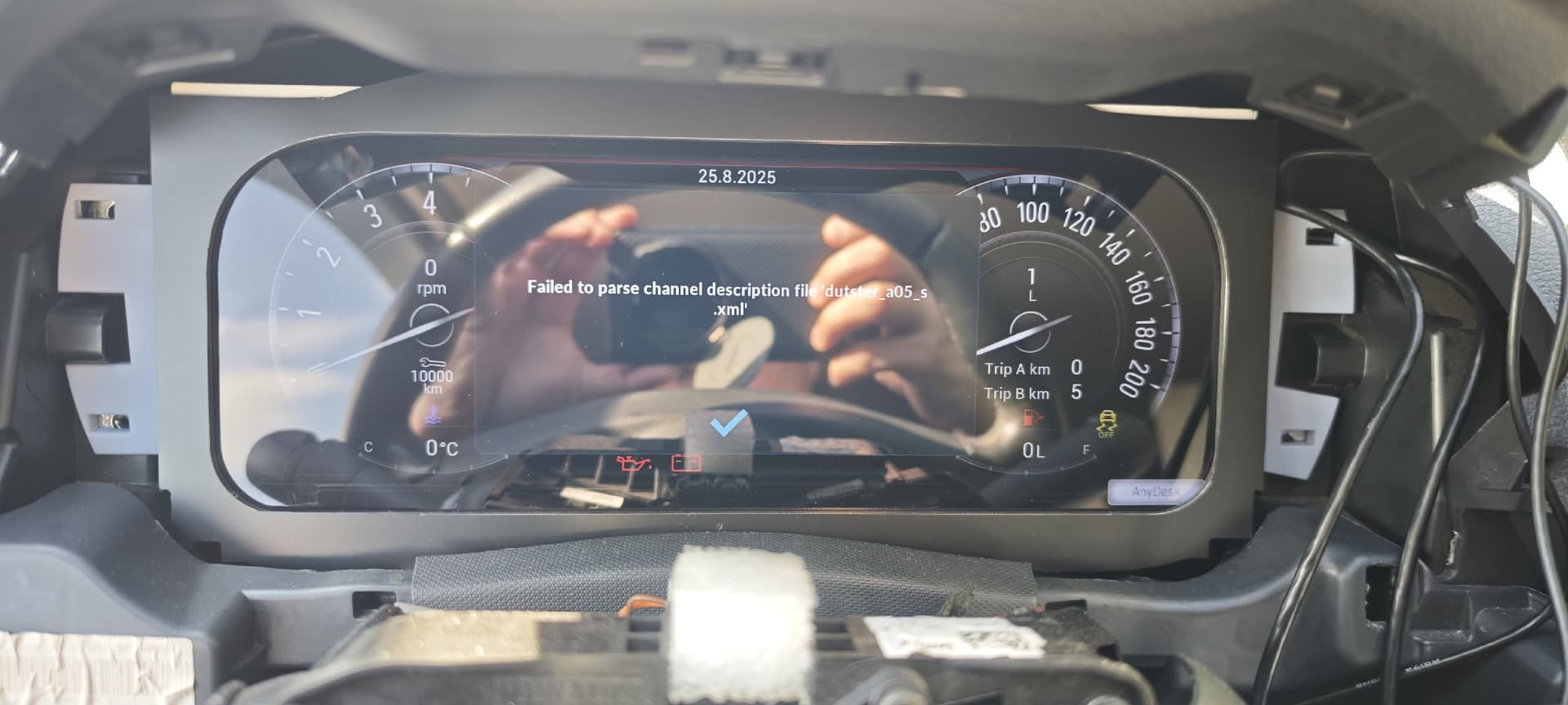
If you restart the device, the realdash program will display a message saying that the xml file has been lost. You will need to manually add the xml file to your device, and the xml file will be lost again after restarting.
Obd2 and can
@SamiSmiley This was my pull request to get merged into RealDash so I can answer. Previous RealDash XML for Haltech was seemingly based on Haltech V2.35 CAN (Haltech-CAN-Broadcast-Protocol-V2.35.0)
The “V3” matches the currently published official Haltech (Elite Series ECU 3.10) and now contains the emulation of IOBox A as an example which is what I used to create my digital keypad:
When I connect via USB, every time I open the multimedia player, the USB option appears and I press the OK button. This was not present in the previous versions. How can I fix this? If not, where can I download the working version?
Hello, thank you for this app. I would like to clarify a question. I want to make a dashboard for my Volkswagen Golf 7, MQB platform, and I need Real Dash to display the following: vehicle mileage, turn signal indicators, high beam indicators, warning lights (check, etc.), and the parking brake. How can I do this? I have an Arduino Nano and a MCP2515, and I am wondering which files I can use or if you have any instructions or configuration files for the MQB platform.
Just to clarify; this issue happens only when ‘cold booting’ the device? After device is running it does not happen no matter how many times you restart RealDash?
Thank you for reporting. We are investigating, but are yet to be able to reproduce this issue on any of our test devices.
We do use a generic Chinese Android stereo for office testing, and in addition 2 Android radio devices on DEATHFISH 2, which runs latest version multiple times a day. All these devices have a sleep mode when ACC is turned off. This issue never manifests itself on these conditions, no matter how many times sleep mode is on and off.
This issue must have a specific hardware and software configuration to be reproduced. I would need to be able to build the exact environment in order to catch the issue, or have more specific information about your setups.
 .
.